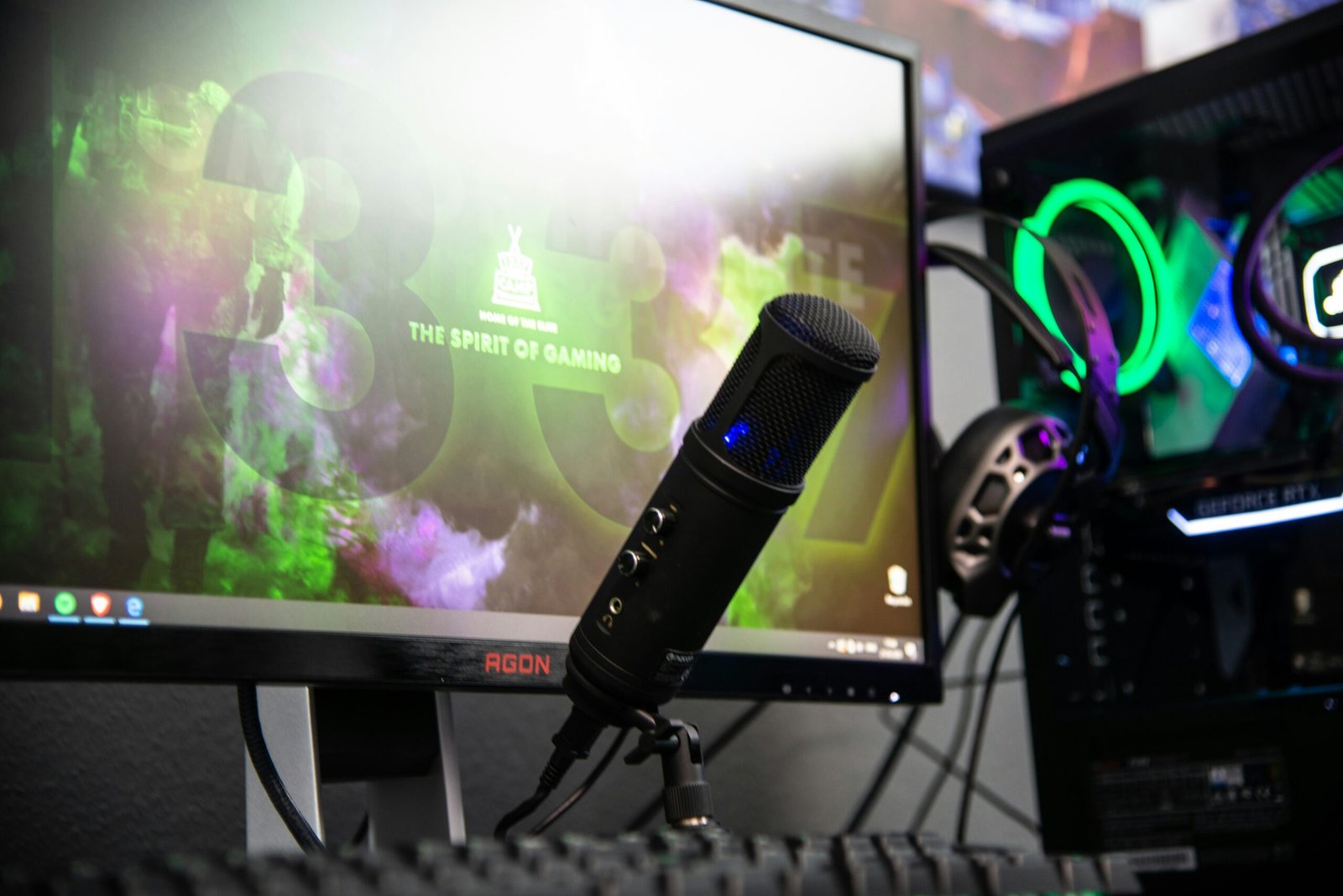
Build Your Professional Streaming Studio
From mobile creators to dual-PC titans. We’ve curated the ultimate hardware guide for high-performance broadcasting and aesthetic workspace design.
The Blueprints
Choose Your Level
The Beginner
Perfect for mobile-first creators or console streamers. Minimal friction, maximum speed to air.
Intermediate Pro
The “Sweet Spot” for serious hobbyists. Professional DSLR quality without the dual-PC headache.
Visuals
Mirrorless Camera
Audio
XLR Interface
Recommended Core Gear
Hand-picked hardware for guaranteed compatibility.

Shure SM7B Cardioid
The industry standard for broadcast audio. Requires an XLR interface.

Sony Alpha a6400
Incredible autofocus and 4K capability for a crisp stream image.

Elgato Key Light Air
App-controlled, edge-lit LED panel that saves desk space and looks great.
The Connection Blueprint
Audio Chain First
Connect your XLR microphone to the interface (e.g., Focusrite or GoXLR). Ensure Phantom Power (48V) is toggled on if using a condenser mic. USB mics can plug directly into the PC.
Visual Foundation
Mount your camera at eye level. Use a Cam Link or Capture Card to convert the HDMI signal into a USB feed that your streaming software can recognize.
Software Orchestration
Open OBS Studio or Streamlabs. Add your Video Capture Device and Audio Input. Use the ‘Auto-Configuration Wizard’ to match your internet upload speed.
Gear Specs Comparison
| Component | Beginner | Intermediate | Pro |
|---|---|---|---|
| Camera Resolution | 1080p (Webcam) | 4K (Mirrorless) | 4K / 60fps (Cinema) |
| Audio Type | USB Digital | XLR Analog | XLR with Hardware Mixer |
| Lighting | Single Ring Light | 3-Point LED Kit | Pro Diffusion & RGB |
| PC Layout | Laptop / Console | Single PC Powerhouse | Dual PC Dedicated |
Streaming FAQ
Accordion Title
Accordion Content
Accordion Title
Accordion Content
Accordion Title
Accordion Content