Build a battlestation that fits your actual room
Most gaming setup guides assume a dedicated basement and unlimited wall. Ours assume a normal bedroom, and tell you where the money genuinely changes what you see on screen.
in both currencies
bedroom widths
numbers came from
Pick a resolution, then a budget
Resolution is the decision that drives everything else. Choosing a monitor first and a graphics card second is how people end up with a screen their machine cannot feed.
1080p
£700–1,000 (~$945–1,350)
- Still the most-used resolution
- High refresh rates are affordable here
- Entry graphics card carries it easily
- 24–27 inch panel
For competitive shooters, frames matter more than pixels. Plenty of serious players never leave 1080p.
1440p
£1,200–1,800 (~$1,620–2,430)
- The sensible middle for most people
- Noticeably sharper than 1080p
- Mid-range card handles it comfortably
- 27 inch, or 34 inch ultrawide
Where we would spend. The jump from 1080p is clearly visible; the jump to 4K much less so at normal desk distance.
4K
£2,500+ (~$3,380+)
- Four times the pixels of 1080p
- Demands a top-tier graphics card
- Upscaling is effectively mandatory
- 32 inch and above to see the benefit
Genuinely stunning, and the tier where the graphics card alone can cost more than an entire 1080p build.
Why there are no frame-rate figures here. Average FPS is meaningless without naming the game, the settings and whether upscaling is on. The same machine might run one title at 200 frames and another at 45.
Anyone quoting a single FPS number for a whole build tier is guessing. Check benchmarks for the specific games you play instead.
Budget bands are indicative UK retail totals for a complete build including monitor and peripherals. GPU pricing has been unusually volatile, so treat these as planning ranges and check current prices before committing. Checked July 2026. Dollar figures are converted at £1 = $1.35 (6 August 2026) to give scale, not US retail prices, which differ with sales tax and regional supply.
Set the station up properly
None of this costs anything, and all of it matters more over a four-hour session than another 20 frames per second would.
Top of the screen at eye level
You should look slightly down at the middle of the display, not up at it. Monitors sitting on their factory stands are usually too low, which is what turns a long session into a sore neck.
Sit roughly an arm’s length away
Reach out. Your fingertips should about touch the screen. Closer than that on a large panel and you are moving your head to see the corners, which costs you in a competitive game.
Elbows at ninety degrees, feet flat
Adjust the chair to the desk, then the monitor to you. Doing it the other way round is why so many setups end up with the screen at the right height and the arms at the wrong one.
Get light off the screen
A window directly behind you reflects into the panel; directly in front of you fights the display for your eyes. Perpendicular to the window is the position that works, and a bias light behind the monitor reduces eye strain at night.
Plan for heat before it becomes a problem
A gaming PC in a small closed room warms it noticeably within an hour. It is the most common complaint about box-room setups and no furniture arrangement fixes it. Leave the door ajar, keep the tower off carpet, and consider undervolting the GPU.
Cable management belongs here too, and it does not need a drill. Getting the extension lead off the floor and onto the desk frame solves most of the mess on its own. We have written up the full no-fixings method separately.
Straight answers
The questions we get asked most, answered without the hedging.
How much does a gaming setup cost?
A complete 1080p build including monitor and peripherals runs roughly £700–1,000 (~$945–1,350). Expect £1,200–1,800 (~$1,620–2,430) at 1440p and £2,500 (~$3,380) upwards at 4K. These are indicative planning ranges rather than quotes, and GPU pricing has been unusually volatile, so check current prices before committing. Checked July 2026. Dollar figures are converted at £1 = $1.35 (6 August 2026) to give scale, not US retail prices, which differ with sales tax and regional supply.
Which resolution should I build for?
1440p is the sensible middle for most people. The jump up from 1080p is clearly visible; the jump on to 4K much less so at normal desk distance. If you play competitive shooters, frames matter more than pixels and plenty of serious players never leave 1080p.
Why do you not quote frame rates?
Average FPS is meaningless without naming the game, the settings and whether upscaling is switched on. The same machine might run one title at 200 frames and another at 45. Anyone quoting a single FPS number for an entire build tier is guessing, so check benchmarks for the specific games you play.
How high should my monitor be?
The top of the screen should sit at eye level, so you look slightly down at the middle of the display rather than up at it. Monitors left on their factory stands are usually too low, which is what turns a long session into a sore neck.
How far away should I sit?
Roughly an arm’s length. Reach out and your fingertips should about touch the screen. Closer than that on a large panel and you end up moving your head to see the corners, which costs you in a competitive game.
Will a gaming PC make my room too hot?
Yes, noticeably, within about an hour in a small closed room. It is the most common complaint about box-room setups and no furniture arrangement fixes it. Leave the door ajar, keep the tower off carpet, and consider undervolting the GPU.
Go deeper on gaming setup
Written for real bedrooms rather than dedicated games rooms.
What a Gaming Setup Actually Costs, and Where the Money Should Go
What a full setup costs across six categories, and the order to spend in.
Read the guide →
PS5 Setup at a Desk: Footprint, Monitor and the Audio Problem
Footprint, HDMI 2.1, and the audio problem a monitor hands back to you.
Read the guide →
Budget Gaming PC Build: How to Split the Money, Not Which Parts to Buy
The budget split that outlives any parts list.
Read the guide →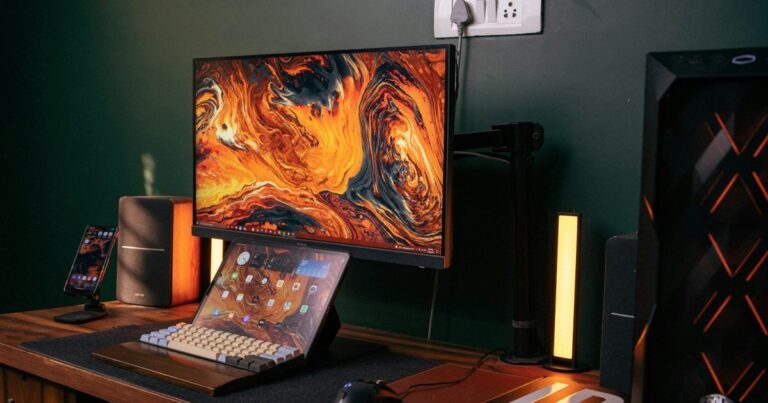
Laptop Gaming Setup: Docking a Gaming Laptop Without Losing Frames
Why the port matters more than the dock, and what the barrel charger still does.
Read the guide →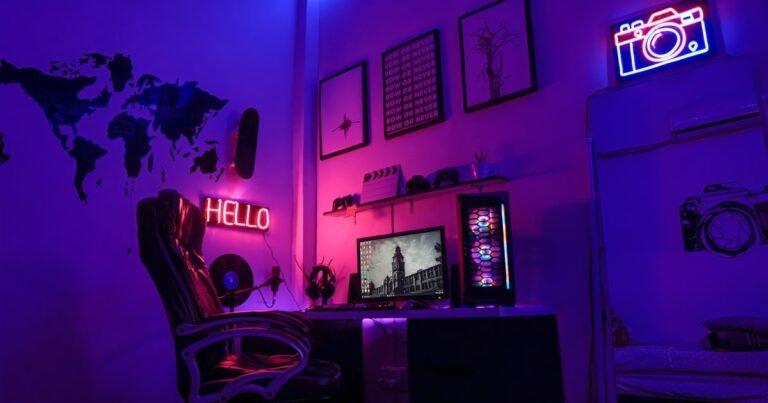
How to Build a White Gaming Setup Without Paying the Colour Tax
The colour premium, and the two items that lock a white build in.
Read the guide →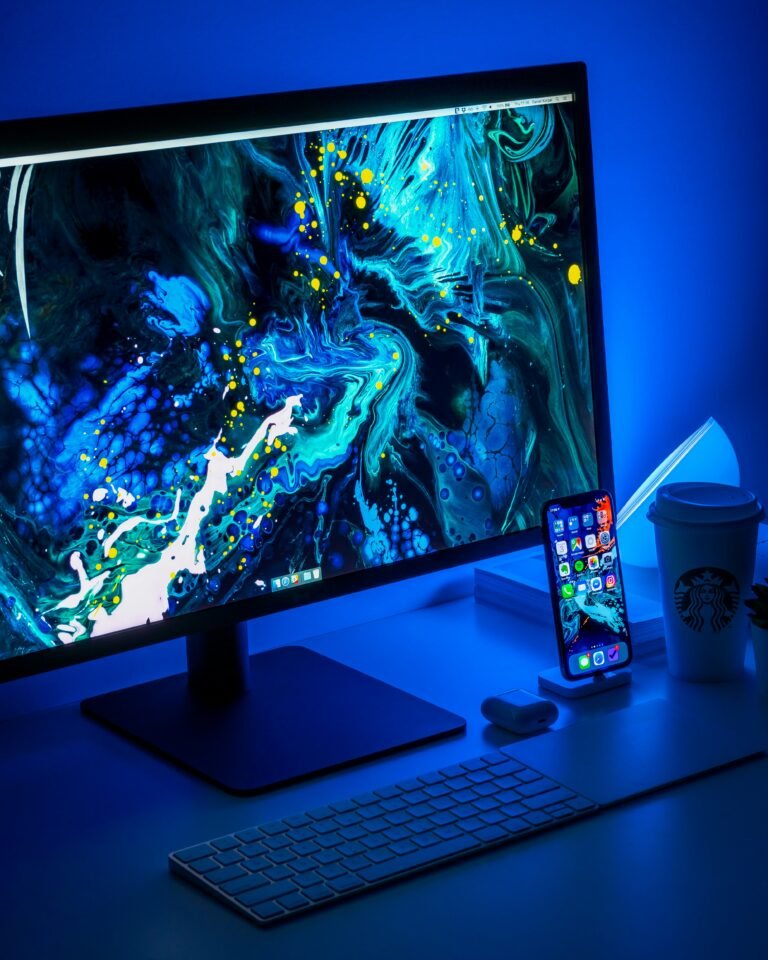
Gaming Setup for a Small UK Box Room
UK box room dimensions and the four choices that actually free up space.
Read the guide →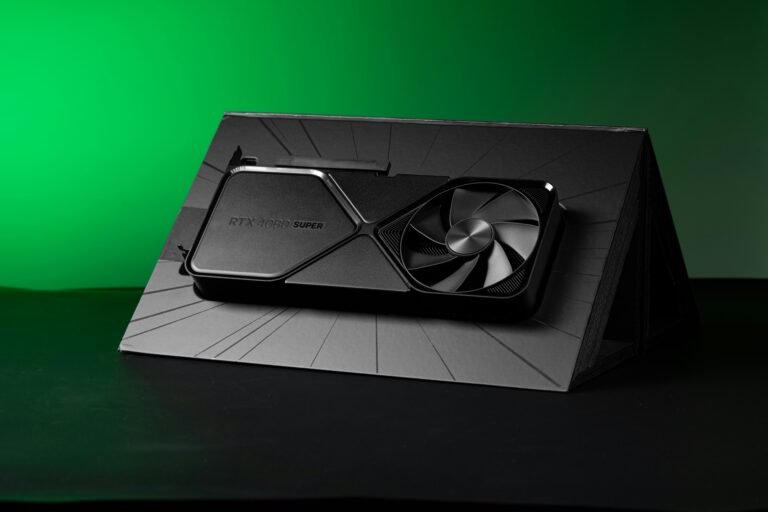
What Desk Size Actually Fits a UK Wall?
Wall-to-desk sizing, and why depth matters more than width.
Read the guide →
How to Hide Desk Cables Without Drilling
Five steps, no fixings, and which methods lift the paint.
Read the guide →