Home office setup built for hour six, not the photo
A home office setup you can work in all day costs $820–$1,000, assuming you already own the computer. The biggest line isn’t the desk but the chair, and the first fix is free: get your screen up to eye level. Here’s what to buy, in what order, and where to stop spending.
prices, September 2026
Britain work hybrid (ONS, 2025)
under the screen
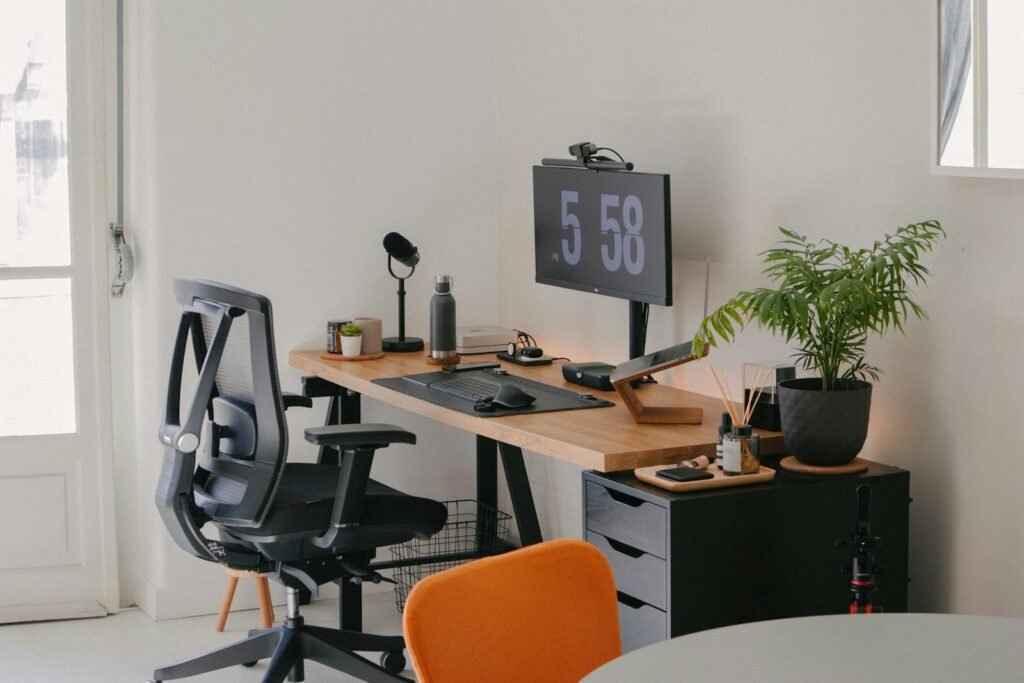
How many hours a day will you sit at this desk?
Under four hours a day, a home office setup costs $310–$380 and the money goes on screen height. At four hours or more it’s $820–$1,000, and the chair becomes the biggest line. Most uncomfortable home offices are short-day setups being used for a full working day.
Under four hours a day
$310–$380
- Your chair is furniture, not equipment. Any firm seat at the right height will do.
- Spend on screen height instead of the chair.
- A 24-inch 1080p monitor is enough for this length of day.
- Skip the standing desk. Short sessions already get you up and moving.
Four hours or more
$820–$1,000
- The chair becomes the largest single line, at $300–$370.
- Pay for adjustable seat height and armrests before mesh, lumbar dials or a brand name.
- A 27-inch 1440p screen at eye level, on a $40–$70 arm rather than a stack of books.
- Light the desk from the side, never from behind you.
More than a quarter of working adults in Great Britain (28%) worked hybrid in the ONS figures for January to March 2025, so for a lot of people this desk is now a daily workstation. Both columns assume you already own the computer. Figures are US retail prices for the named products in the cost table below, checked in September 2026.
What to buy first for your home office setup
Think of it like adjusting the driver’s seat before you upgrade the car stereo. The parts that decide whether you can work an eight-hour day are dull and mostly invisible; the parts that photograph well come last. Five steps, in this order.
- 1Raise the screen
- 2Fix the chair
- 3Set desk height
- 4Light from the side
- 5Then the extras
Raise the screen before you buy anything
Put the top line of text at or slightly below eye level, with the centre of the screen 15–20 degrees below horizontal and 20–40 inches (50–100 cm) from your eyes, as OSHA’s computer workstation guidance sets out. A stack of books costs nothing and tells you within a day whether you need a $30 riser or a $40–$70 monitor arm. Do this first, because it also decides which monitor is worth buying.
Fix the chair before the desk
A desk at the wrong height is uncomfortable, and you notice straight away. A chair at the wrong height quietly sets your posture for eight hours, and you notice that later. The UK Health and Safety Executive’s guidance for home workers makes the same point: the goal isn’t office furniture but a comfortable posture you can hold all day.
Set desk height to your elbows, not to a number
Sitting upright, your forearms should rest roughly level with the desk, the neutral posture OSHA describes for workstation desks, with 20–28 inches (50–72 cm) of leg clearance underneath. A fixed desk can’t move, so the chair does: raise it until your forearms are level, then add a footrest if your feet no longer sit flat. That’s cheaper than a new desk. If the problem is width rather than height, how much desk you actually need covers it.
Light the desk from the side
A window behind you bounces off the screen; one in front makes you squint past it. OSHA’s advice is to place the monitor at a right angle to the window, then fill in with an angled desk lamp at $20–$40. That does more for eye strain than any monitor setting.
Then buy the nice keyboard
Keyboards, desk mats, plants and hiding desk cables without drilling are real upgrades to a day you can already work through. They don’t fix a setup that hurts, and buying them first is how you end up with a beautiful desk you avoid.
The expensive version of this mistake: buying a $250–$680 sit-stand desk to fix back pain that came from the chair. A sit-stand desk suits someone who already sits comfortably and wants to change position. Standing at the wrong height just swaps one ache for another.
Fitting a home office setup into a small room
In a small room, the wall decides more than the desk does. The UK’s national space standard sets 2.15 m as the minimum width for a single bedroom, and older homes are often narrower, so pick the longest clear wall first and buy the desk to fit it.
Measure the wall at desk height
Radiators, skirting boards and window sills all steal width, and they sit at desk level rather than on the floor. Measure the clear span at the height the desktop will be; how much desk you actually need matches desk widths to each wall.
Keep the door and wardrobe clear
Push the chair back as if you were standing up, then check it doesn’t block the door or a wardrobe. A deep desk that traps the chair makes a room feel smaller every day; a shallower desk on the same wall, with the screen on an arm, keeps the path open.
Put the desk within reach of a socket
An extension lead across the floor is a trip hazard and a fire risk. A desk near a wall socket needs one short lead, lifted onto the desk frame rather than left on the carpet.
Width figures come from the Nationally Described Space Standard (MHCLG): a single bedroom of at least 7.5 m² and 2.15 m wide. Laying out a gaming desk instead? Building a gaming setup in a box room draws a 2.15 m room to scale.
What a home office setup costs in 2026
A home office setup costs $310–$380 as a working minimum, $820–$1,000 for a full working day and $2,080–$2,510 for a dedicated room, before the computer. The chair and monitor take the largest share at every level. Stop at the column that matches your hours.
| Component | Buy it first? | Working minimum | All day | Dedicated room |
|---|---|---|---|---|
| Chair | Usually | IKEA FLINTAN, $100–$120 | IKEA MARKUS or Branch Ergonomic, $300–$370 | Herman Miller Sayl, from $935 |
| Screen height | Yes | Books, or IKEA SIGFINN riser, $0–$30 | VIVO gas-spring arm, $40–$70 | Ergotron LX arm, $219 |
| Lighting | Yes | IKEA TERTIAL lamp, $20 | IKEA FORSÅ lamp, $40 | FORSÅ plus TERTIAL, $60 |
| Monitor | Usually | Dell 24-inch 1080p (SE2426H), $100 | Dell 27-inch 1440p (S2725DSM), $220 | Dell 34-inch ultrawide (S3425DW), $420 |
| Desk | Later | IKEA LAGKAPTEN/ADILS, $60–$80 | IKEA LAGKAPTEN/ALEX, $160–$240 | Sit-stand, IKEA TROTTEN to MITTZON, $250–$680 |
| Keyboard and mouse | Later | Logitech MK270, $30 | Logitech MK540, $60 | Logitech MX Keys S Combo, $200 |
| Total | $310–$380 | $820–$1,000 | $2,080–$2,510 |
Home office setup questions, answered straight
Is a sit-stand desk worth it?
Yes, if you already sit comfortably and want to change position through the day. No, as a fix for back pain, because standing at the wrong height produces its own ache. At IKEA US a sit-stand desk costs $250–$680 (TROTTEN to MITTZON) against $160–$240 for a fixed LAGKAPTEN/ALEX (September 2026).
Do I need an ergonomic chair, or will a dining chair do?
For a couple of hours a day, a dining chair is fine. Past that, its fixed height and flat back start deciding your posture for you. Pay first for adjustable seat height, then adjustable armrests; mesh, lumbar dials and headrests matter far less than the marketing suggests.
What monitor size suits a home office?
A 24-inch 1080p screen suits a short day and a 27-inch 1440p screen suits a full one. Past 27 inches, resolution matters more than size: a 32-inch 1080p screen has about 69 pixels per inch, against about 109 on a 27-inch 1440p screen, so text looks softer at the same distance.
Where should a desk go in a small bedroom?
On the longest clear wall, with the window to one side of the screen rather than behind it. A UK single bedroom can be as narrow as 2.15 m under the national space standard, so measure the wall at desk height before you buy. Then check the chair can be pushed back without blocking the door.
Where do these home office figures come from?
From published guidance and retailer listings, not from product testing. Posture and screen position follow OSHA and the UK Health and Safety Executive, and prices are US retail listings for named products, checked in September 2026. The full method is on the page explaining how SetupFind researches its recommendations.
Go deeper on the desk itself
Two decisions on this page have a full guide behind them.
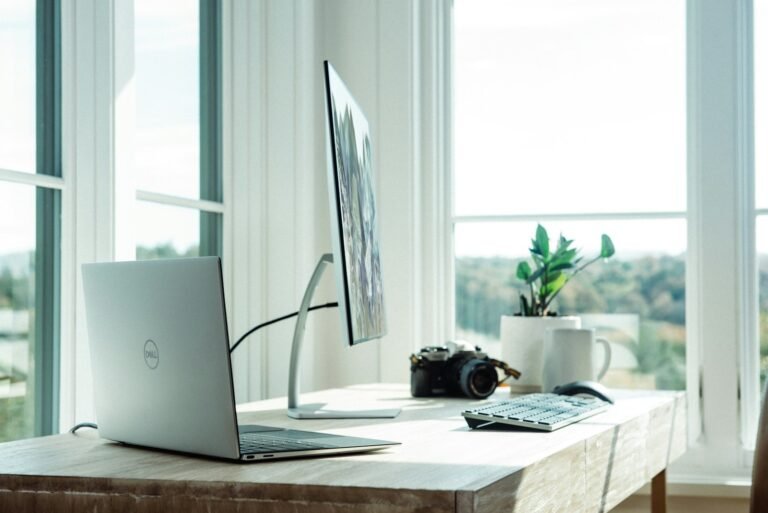
What Desk Size Actually Fits a UK Wall?
Measure the wall before you buy the desk. Widths and depths matched to real UK room sizes.
Size it to your wall →
How to Hide Desk Cables Without Drilling
Renter-safe cable management for $7–$17 that survives the next time you move the desk.
Hide them without drilling →