GLOBAL GUIDE · CHECKED SEPTEMBER 2026
PS5 Setup at a Desk: Footprint, Monitor and the Audio Problem
The short answer: A PS5 setup at a desk needs 21.6 cm of depth for the console in either orientation, a monitor with an HDMI 2.1 input for 4K 120 Hz, and a deliberate plan for sound. The audio is the part that catches people out, because a monitor is not a television and the console sends its sound down the HDMI cable.
Every PS5 setup guide assumes a television across the room. Almost none of them deal with the situation most desk owners are actually in. That means a monitor a metre away, no speakers worth the name, and a console with nowhere sensible to sit.
Those are different problems with different answers. A television solves sound for you and gives you an HDMI 2.1 port without being asked. A monitor solves neither. Get the video right in a desk PS5 setup and you can still end up with something you cannot hear properly, which is the failure mode nobody warns you about.
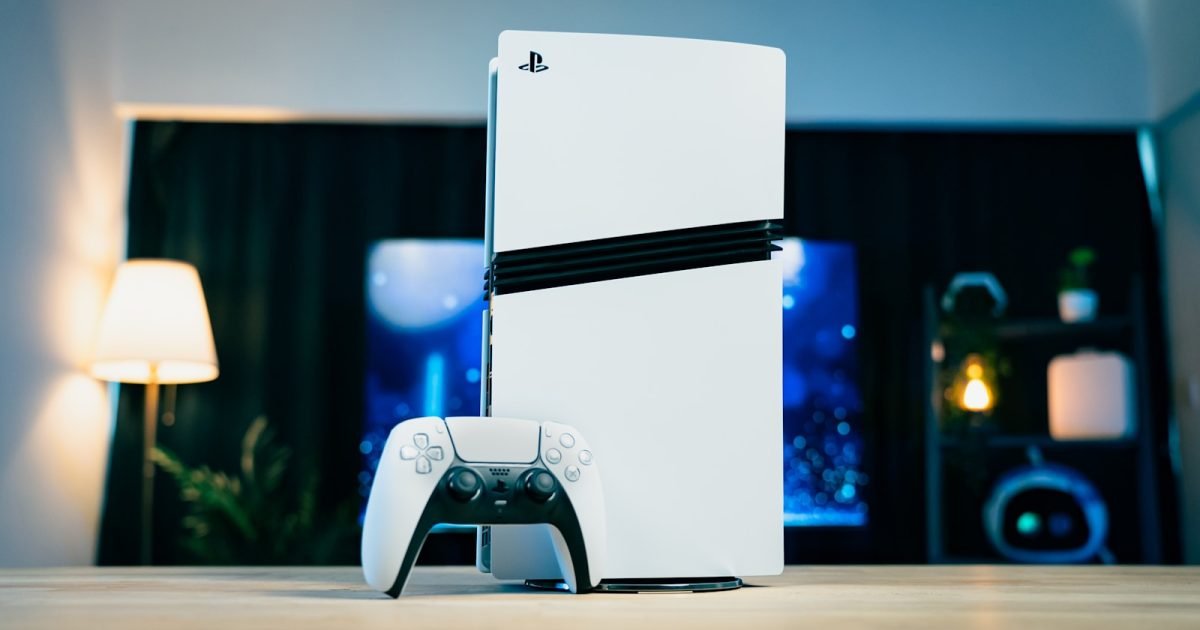
What a desk PS5 setup needs
Four things: 21.6 cm of desk depth for the console, an HDMI 2.1 input on the monitor if you want 4K at 120 Hz, an Ultra High Speed HDMI cable, and an audio route off the console, because desk monitors rarely have usable speakers. The audio route is the one most setups forget.
How much desk a PS5 setup actually takes
Sony's published dimensions for the current console are 358 × 96 × 216 mm and 3.2 kg for the standard model, and 358 × 80 × 216 mm and 2.6 kg for the Digital Edition.
The number that matters is not the width but the depth. Whichever way you stand it, the console occupies 21.6 cm of desk depth, and that comes straight out of the space between your monitor and the front edge.
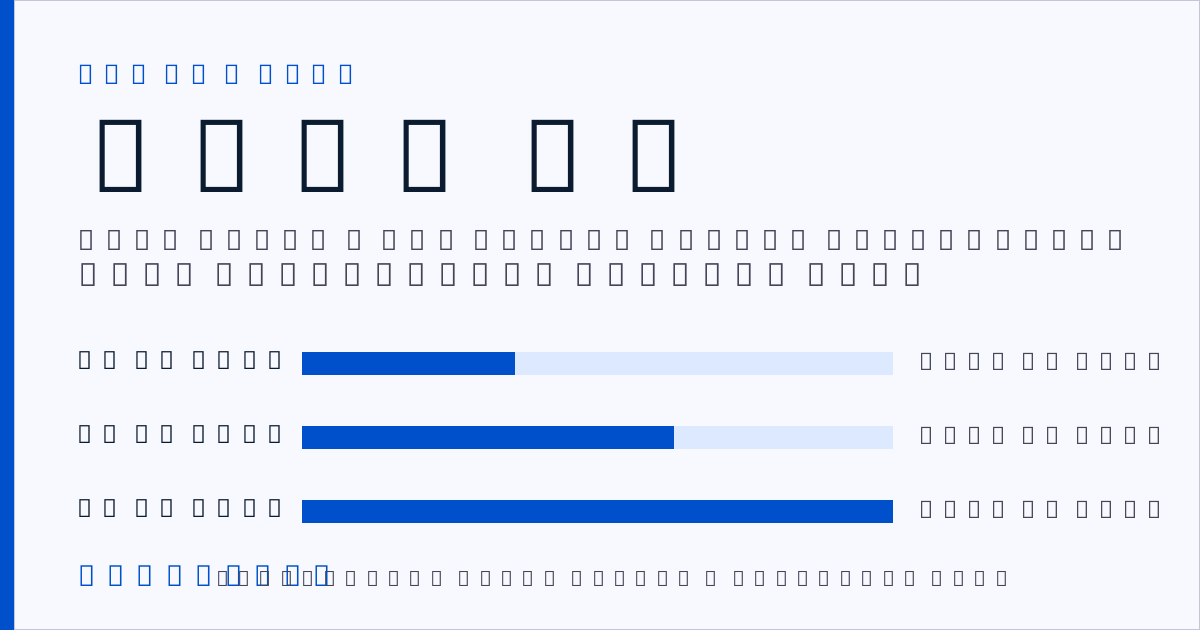
Here is how that lands against common desk depths, drawn to rough scale.
| Desk depth | Depth left after the console | Monitor and keyboard? | Verdict |
|---|---|---|---|
| 60 cm | 38.4 cm | Only with a monitor arm | Marginal |
| 70 cm | 48.4 cm | Yes, stand or arm | Usually |
| 80 cm | 58.4 cm | Comfortably | Yes |
| 60 cm, console beside the desk | 60 cm | Yes | Yes |
The fourth row is the one to notice. Standing the console on a shelf, a stand beside the desk or the floor removes the problem entirely, and it costs nothing. How much desk you actually need works through the depth question properly, including what a monitor arm gives back.
Worth naming the limitation in Sony's figures: they exclude projecting parts, so cable bend radius sits on top of that 21.6 cm. Allow another 5 to 8 cm behind the console for the HDMI and power leads.
Choosing the monitor: what HDMI 2.1 buys you
Sony's own guidance on 4K 120 Hz output is specific about what the chain needs. The display has to have an HDMI 2.1 port, and Sony recommends the cable supplied with the console, or an Ultra High Speed HDMI cable if you are replacing it. Variable refresh rate works on displays that support VRR, letting the refresh rate adjust in real time.
Three parts, and all three have to be right. The panel, the port and the cable. A 4K 120 Hz monitor with only HDMI 2.0 inputs will run the console, but not at 4K 120.
This is where desk setups differ from living rooms in a way that costs money. Televisions have carried multiple HDMI 2.1 ports for years. Desk monitors frequently have one at most, and plenty of otherwise excellent gaming monitors put their bandwidth into DisplayPort instead, which the console cannot use.
So check the port list before the panel specification. Expect $250 to $450 for a 27-inch 1440p monitor with a genuine HDMI 2.1 input, and $450 to $800 at 4K `AFFILIATE SLOT: HDMI 2.1 gaming monitor`. Those are planning bands compiled in September 2026, and SetupFind publishes how these figures are checked.
If 120 Hz is not a priority, this whole section relaxes. At 4K 60 Hz or 1440p 60 Hz, almost any modern monitor input will do.
The audio problem nobody mentions
Here is the thing that catches people out, and it is not the picture but the sound.
The PS5 outputs audio over HDMI. There is no optical output on the current console. So the sound arrives at your monitor, and monitor speakers range from thin to absent. A television would have solved this without you thinking about it; a monitor hands the problem back to you.
Three routes out, and they are not equally good.
Headset into the controller. The controller has a 3.5 mm jack, so any wired headphones work immediately. Cheapest route, zero extra hardware, and genuinely the best sound per dollar. The catch is that you are wearing headphones every session.
Monitor headphone output to powered speakers. Works only if your monitor passes HDMI audio through to its 3.5 mm output, which many do and some do not. Check the specification before relying on it. Powered desktop speakers run $80 to $200 `AFFILIATE SLOT: powered desktop speakers`.
HDMI audio extractor. A small box that splits audio out of the HDMI signal before it reaches the monitor, at $30 to $60 `AFFILIATE SLOT: HDMI audio extractor`. Adds a box and a cable, but it works regardless of what the monitor does, and it is the reliable answer when route two fails.
Route one costs nothing and sounds best; route two costs least in clutter and fails silently on the wrong monitor. If you are weighing speakers against headphones for a desk at close range, monitors against headphones in a small room covers the trade properly.
Clearance, heat and where the console goes
The current console is smaller than the launch model, reduced in volume by more than 30 per cent with weight down 18 and 24 per cent depending on edition. It still needs air.
Leave clearance on the intake and exhaust sides rather than pushing the console flat against a wall or a monitor riser. A fully enclosed shelf under the desk is the common mistake: it looks tidy, traps heat, and puts the disc slot somewhere awkward.
Vertical or horizontal makes no difference to the depth a PS5 setup consumes, so choose on stability. Vertical uses less width and needs the supplied stand; horizontal is more stable on a desk that gets knocked.
Distance matters too. OSHA's workstation guidance puts the preferred viewing distance at 50 to 100 cm (20 to 40 in). That is closer than most people sit to a television. It is also why a 27-inch monitor feels right at a desk where a 55-inch television would not. That guidance was written for office work rather than gaming, so treat it as a floor.
Two cables now run to the console, so plan the route before you position it. Hiding desk cables without drilling covers the tidy-up, and in a tight room building a gaming setup in a box room deals with the layout.
Xbox Series X at a desk: what differs
The Series X is taller and squarer, which changes where it can go rather than how much depth it needs. It stands vertically by default and suits the space beside a monitor better than in front of it.
The video requirements are effectively the same: HDMI 2.1 for 4K 120 Hz, an Ultra High Speed cable, VRR on displays that support it. The audio situation is also the same, with one useful difference. The Series X controller takes a headset over its 3.5 mm jack in the same way, so route one works identically.
If you are choosing between them on desk suitability alone, the depth question is a wash and the decision comes down to where the vertical space is.
Two takeaways and where to go next
Two things to take away. First, budget 21.6 cm of desk depth plus 5 to 8 cm for cables if the console sits on the desk at all. Seriously consider standing it beside the desk instead, which costs nothing and gives the depth straight back. Second, decide the audio route before you buy the monitor, because a desk PS5 setup with no sound plan is the most common way this ends up disappointing.
The next decision in a PS5 setup is the monitor, since it settles the video chain and the audio route together. The gaming setup guide covers panel choice and the room questions around it.
Straight answers
How much desk space does a PS5 need?
21.6 cm of depth in either orientation, according to Sony's published dimensions of 358 × 96 × 216 mm for the standard model. Allow a further 5 to 8 cm behind it for cable bend, since Sony's figures exclude projecting parts.
Can you use a PS5 with a monitor instead of a TV?
Yes, and it works well at desk viewing distances. The two things to check are an HDMI 2.1 input if you want 4K at 120 Hz, and an audio route off the console, because monitor speakers are usually inadequate and the PS5 has no optical output.
Do you need HDMI 2.1 for a PS5?
Only for 4K at 120 Hz. Sony's guidance states the display needs an HDMI 2.1 port and recommends the supplied cable or an Ultra High Speed HDMI cable. At 60 Hz, standard modern HDMI inputs are sufficient.
How do you get sound from a PS5 to desk speakers?
Three routes: wired headphones into the controller's 3.5 mm jack, the monitor's headphone output into powered speakers if the monitor passes HDMI audio through, or an HDMI audio extractor at $30 to $60 that splits the audio out before the monitor.
Should a PS5 stand vertically or horizontally on a desk?
It consumes the same 21.6 cm of depth either way, so choose on stability and available width. Vertical uses less desk width and requires the supplied stand; horizontal is more stable on a desk that gets knocked.