GLOBAL GUIDE · CHECKED SEPTEMBER 2026
Podcast camera setup: the webcam, phone or mirrorless route that records a whole episode
By Paul Maji · Updated 1 October 2026 · Research-led guide
The short answer: A podcast camera setup for one person costs $70–$200 with a webcam, or about $1,350 for a Sony ZV-E10 II body, Cam Link 4K and dummy battery before a lens (US prices, checked 25 September 2026). The mirrorless route has a catch: Sony's own guide gives roughly 5 minutes of 4K at its default heat setting. Record in HD, run the camera on mains power, and use 25fps in UK rooms.
Every podcast camera setup guide explains angles and tells you to add a second camera. Almost none of them mention the thing most likely to actually end your recording halfway through, which is the camera switching itself off.
The Sony ZV-E10 II help guide on recordable movie time (checked 25 September 2026) lists roughly 5 minutes of continuous 4K recording at the camera's default temperature setting. A podcast episode runs far longer.
The other failure points are just as mundane. A capture card that won't accept the camera's output. A dummy battery bought for the wrong model. Footage shot at 30fps rolling with bands under UK lights. None of them appear on a gear list, and all of them appear on recording day.
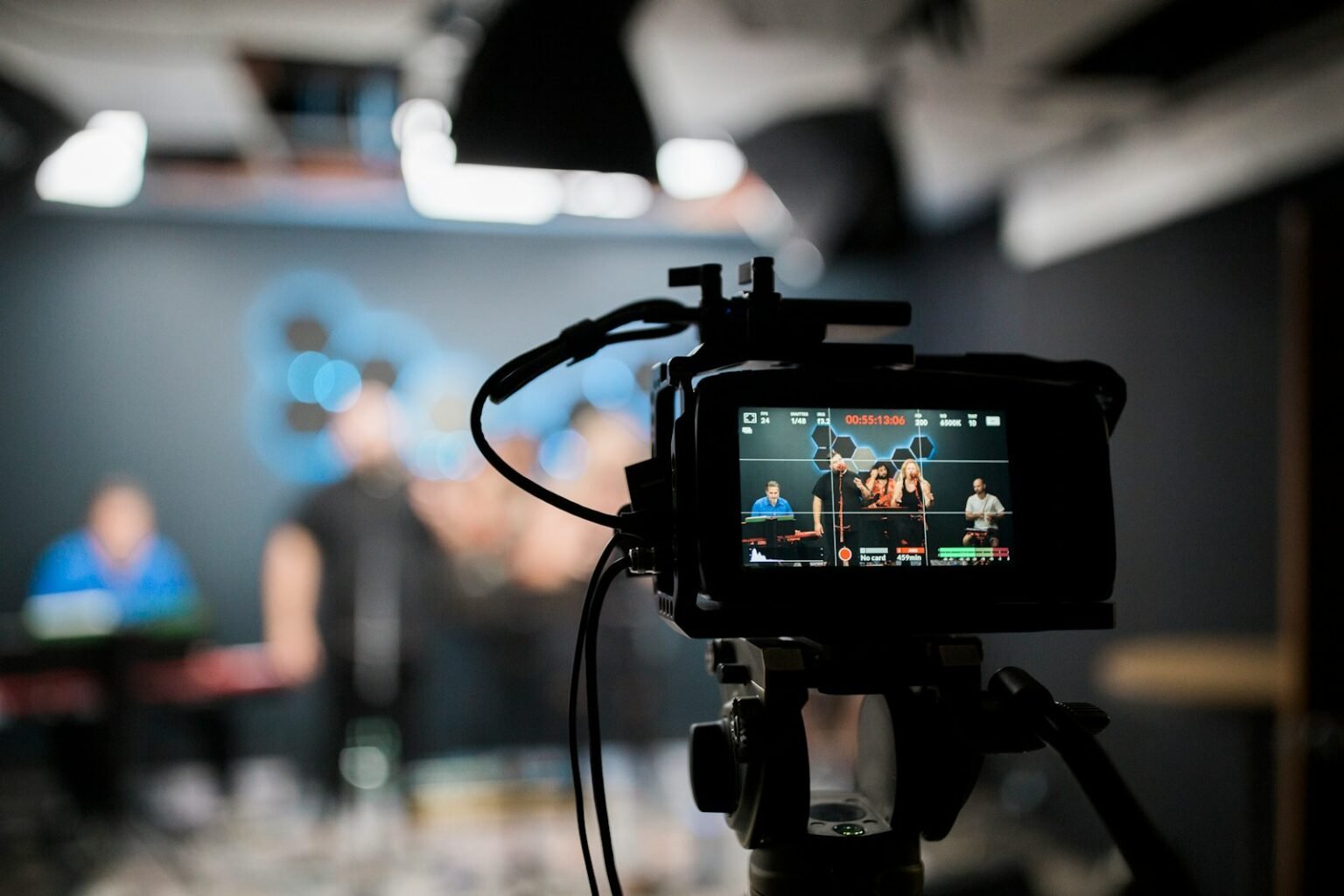
This guide covers the camera side only: which camera to use, how long it will actually record, how to get its picture into a computer, where to put it for one, two or three people, and which settings to lock before you press record. Microphones and lights have their own guides.
Elgato Facecam MK.2
Why: 1080p60 from a larger sensor than most webcams, with settings saved on the camera, so every episode looks the same.
Best for: one host at a desk who wants a clean picture without a capture card.
$110 to $140 · price checked Sep 2026
Webcam, phone or mirrorless: which podcast camera setup to start with
For one person recording at a desk, a 1080p60 webcam such as the Elgato Facecam MK.2 ($139.99 from Elgato, checked 25 September 2026) is the right podcast camera for beginners. A mirrorless camera looks better, but it adds a capture card, mains power and a heat limit to manage.
A phone sits in the middle: a capable camera you already own, but one that needs a mount, constant power and notifications silenced before every take. Treat it as a free trial of video, not the permanent answer.
| Camera | What the money buys | Price (checked 25 Sep 2026) | Verdict for a solo beginner |
|---|---|---|---|
| Logitech C920s Pro | 1080p30, 78° field of view | $69.99 from Logitech | Usually |
| Elgato Facecam MK.2 | 1080p60, 1/2.5-inch Sony STARVIS sensor, 84° field of view | $139.99 from Elgato | Yes |
| Logitech Brio | 4K30 or 1080p60, 65/78/90° field of view presets, 5x digital zoom | $169.99 at B&H | Yes |
| Logitech MX Brio | 4K30 or 1080p60, pixels 70% larger than the Brio 4K (Logitech's figure) | $199.99 from Logitech | Yes |
| Your phone | A sensor you already own; needs a mount and power | $0 extra | Usually |
| Sony ZV-E10 II + Cam Link 4K + dummy battery | APS-C body only, lens extra, plus capture and mains power | $1,349.97 combined | Marginal |
The mirrorless total is the Sony ZV-E10 II body at $1,199.99 from Best Buy, above its launch price at the time of checking, plus the capture card and dummy battery covered below. That's roughly ten times the webcam price for a better picture and three new ways for a podcast camera setup to fail.
Why a mirrorless camera stops recording after 5 minutes
At its default Auto Power OFF Temp setting of Standard, the Sony ZV-E10 II records roughly 120 minutes of XAVC S HD at 25°C but only about 5 minutes of XAVC S 4K. For a long podcast episode, record HD to the card, or switch the setting to High and accept a hotter body.
The figures in Sony's ZV-E10 II help guide (checked 25 September 2026) are Sony's approximations under its own test conditions.
| Temp setting | Format | At 25°C | At 40°C | Verdict for a 60-minute episode |
|---|---|---|---|---|
| Standard | XAVC S HD | ~120 min | ~30 min | Yes, at room temperature |
| Standard | XAVC S 4K | ~5 min | ~5 min | No |
| High | XAVC S 4K | ~30 min | ~10 min | No |
Think of it as borrowing a hatchback for a house move. It'll manage a trip or two, but load it all day and it struggles, because nobody designed it for that job.
A compact camera built mainly around photography is the hatchback: 4K processing produces heat, and a small body has little room to shed it. A webcam is closer to the van.
The old 29:59 cut-off had a different cause. DPReview reported on 18 May 2012 that stills cameras were capped at around 30 minutes to avoid the 5.4% EU import duty on video cameras. Sony's guide now puts the ZV-E10 II's single-clip limit at roughly 13 hours, so the thing that ends your take is not the timer but heat.
Sony's table covers recording to the card, not running as a live HDMI source, so test a full episode length before relying on either.
Clean HDMI, capture cards and the battery that actually fits
A mirrorless camera doesn't join a podcast camera setup the way a webcam does. Its HDMI port sends out a video signal, and a capture card turns that signal into something OBS or a browser recording studio sees as a camera.
The Elgato Cam Link 4K ($99.99 from Elgato, checked 25 September 2026) accepts 4K60 (as MJPG), 4K30, 1080p60, 1080p30 and 720p60 over USB 3.0.
Four checks before the first recording.
- Output format. Match the camera's HDMI output to a format the card lists.
- Clean HDMI. Turn off the on-screen information for HDMI output, or the battery icon and focus boxes end up in your video.
- Power saving. Set any power-saving timer to its longest option so the camera doesn't sleep between segments.
- Mains power. Swap the battery for a dummy battery on a mains adapter.
The ZV-E10 II takes the NP-FZ100 battery, while the original ZV-E10 used the smaller NP-FW50, and many listings titled “ZV-E10 dummy battery” are FW50 units. Ordering one of those leaves you with a plug that doesn't fit; search for NP-FZ100 and confirm the listing names your exact body.
The Neewer NP-FZ100 dummy battery kit costs $49.99 (Neewer, checked 25 September 2026), but Neewer's compatibility list doesn't name the ZV-E10 II, so check with the seller first. A camera on a clamp arm also needs space behind the screen; the guide to desk depth and monitor arms covers how much.
Podcast camera angles for one, two and three people
A solo host needs one camera at eye level, framed from mid-chest up. Two hosts need three angles: a wide shot plus a single on each person, so the edit can follow the conversation. Three hosts need a wide and a single on each person, four angles in total.
One person
Eye level, not below it. Put the camera on the top edge of the monitor or a clamp arm just above it, and talk to the lens rather than your own face on screen.
A 4K webcam gives you a second angle for free. The Logitech Brio's 65/78/90° field of view presets and 5x digital zoom let you set a wider frame, then crop a tighter 1080p shot in the edit for emphasis.
Two people
Cross-shoot. Place each host's single camera just beside the other host's shoulder, so both talk roughly towards a lens. Keep every camera on the same side of the imaginary line between the two hosts, or the cut makes them appear to face the same way. The guide to recording a podcast with two people covers table layout.
Three people
Put the wide in front, centred, as the safety shot for any reaction a single misses. The singles sit at the ends of the table, each aimed across at the person opposite. Recording three voices has its own trap, covered in the podcast setup for 3 people guide.
25fps, not 30: the settings for a UK podcast camera setup
In the UK, record at 25fps with a 1/50 shutter. The 180-degree rule sets shutter speed at roughly double the frame rate, and 25fps and 1/50 both divide evenly into the 100 pulses per second that many lights on 50 Hz mains produce, which keeps flicker and rolling bands out of the picture.
StudioBinder's explainer on the 180-degree shutter rule (updated 22 June 2025) defines it as a shutter speed double the frame rate, giving 1/48 at 24fps. At 25fps that works out at 1/50; at 30fps, 1/60.
RED Digital Cinema's flicker-free video tutorial (undated, checked 25 September 2026) explains that many artificial lights pulse at twice the mains frequency: 100 times a second on 50 Hz supplies, 120 on 60 Hz. Most US tutorials say 30fps and 1/60 because North America runs on 60 Hz; in a UK room that setting risks banding, while 25fps and 1/50 avoids it.
Three settings to lock on every camera.
- Frame rate: 25fps. 50fps adds smoothness a talking head doesn't need.
- Shutter: 1/50. Fixed, not automatic.
- The same on every camera. Mixing 25fps and 30fps forces a conversion that shows as judder.
YouTube's recommended upload encoding settings (checked 25 September 2026) say to upload at the frame rate you recorded, and suggest 8 Mbps for 1080p at 24–30fps or 12 Mbps at 48–60fps. The lights themselves are covered in the podcast lighting setup guide.
Record every camera separately, then decide on switching
A switcher lets you cut between cameras while you record. For an edited show, the choice that matters in a multi-camera podcast camera setup is not whether you switch but whether every angle is still recorded.
Live switching commits you to each cut as it happens. Miss a laugh on camera two and it's gone; ISO recording keeps every camera's clean feed, so the edit can fix what the live cut got wrong.
| Option | What it records | Price (Blackmagic, checked 25 Sep 2026) | Verdict for an edited podcast |
|---|---|---|---|
| ATEM Mini Pro | The live programme you cut | $349 | Marginal |
| ATEM Mini Pro ISO | Five record streams, including clean feeds of every input, plus a DaVinci Resolve project file | $585 | Yes |
| ATEM Mini Extreme ISO G2 | The same approach for larger multi-camera shows | $2,245 | No, for a first show |
| No switcher | Each camera to its own card, synced in the edit with a clap | $0 extra | Usually |
Prices are from Blackmagic Design's ATEM Mini product page. The no-switcher route is cheapest, but every camera is back under its own heat limit, so record HD.
Pure live switching makes sense only when the episode streams live and nobody edits afterwards. The full video podcast setup guide shows where the switcher sits alongside audio.
What to settle before your podcast camera setup grows
Three things decide whether a first video episode survives. Heat: Sony's help guide gives the ZV-E10 II about 5 minutes of 4K but roughly 120 minutes of HD at 25°C on default settings. Power and signal: a dummy battery that matches the body, and a capture card set to a format it accepts. Settings: 25fps and 1/50 on every camera in a UK room.
The next decision is not which camera to add but whether to record every angle separately. For an edited show, it pays to; with a single webcam, it can wait. Once the camera side is settled, the podcast setup guide covers the microphones, room and recording chain around it.
Prices are US retail, checked 25 September 2026, and will change. SetupFind has not bench-tested these products; figures come from manufacturer specifications and named sources, as set out in how SetupFind researches its recommendations. Some links may earn a commission at no extra cost to you (affiliate disclosure).
Straight answers
What camera do I need for a video podcast?
A 1080p webcam is enough for a solo desk podcast; the Logitech C920s Pro records 1080p30 and cost $69.99 from Logitech when checked on 25 September 2026. A mirrorless camera only makes sense once you're ready to manage a capture card, mains power and heat limits.
Can I use my phone as a podcast camera?
Yes. A recent phone is a capable starting camera. Mount it at eye level, keep it on charge for the whole session, and silence notifications before you record.
How many cameras do I need for a two-person podcast?
Two cameras is the minimum, one single on each host. Three is the standard, because a wide shot of both hosts gives the edit something to cut to whenever a single misses a reaction.
Do I need a capture card for a mirrorless camera?
Yes, if the camera feeds a computer live. A capture card such as the Elgato Cam Link 4K ($99.99 from Elgato, checked 25 September 2026) turns the camera's HDMI signal into a USB camera feed. If the camera records to its own card and you sync footage in the edit, you can skip it.
Why does my camera stop recording or overheat?
On many stills-first cameras, heat rather than a timer ends the recording. Sony's help guide for the ZV-E10 II gives about 5 minutes of 4K at the Standard Auto Power OFF Temp setting, against roughly 120 minutes of HD at 25°C. Recording in HD is the simplest fix.