GLOBAL GUIDE · CHECKED SEPTEMBER 2026
Console Streaming Setup: PS5, Xbox and Switch 2, With or Without a PC
By Paul Maji · Updated 26 September 2026 · Research-led guide
The short answer: A console streaming setup takes one of three routes: the built-in broadcast on PS5 or Xbox, a capture card into a PC, or a capture card into a laptop. The Elgato 4K S was listed at $159.99 at Best Buy (checked 26 September 2026) and covers all three consoles. The Switch 2 needs a card, a PS5 needs HDCP switched off before it will capture, and Twitch still recommends 1080p60 for most channels.
Every console streaming guide ranks capture cards. Almost none of them tell you whether you need one, and that's decided by the console, not the card. A PS5 or Xbox Series X|S can go live on Twitch on its own; a Switch 2 has no documented built-in route, so it needs a card.
The roundups also skip the part that actually decides whether a stream looks tidy, which is where the cables go. A capture card adds two HDMI runs and a USB lead to a room that, in the UK, is often a box room with the TV on one wall and the desk on another.
This guide lays out the three routes for each console, the one PS5 setting that blocks capture, and whether a 4K card earns its price when Twitch viewers see 1080p. It also covers getting your voice and party chat on stream, and how to lay out a console streaming setup in a small room. Prices are US listings checked on 26 September 2026.
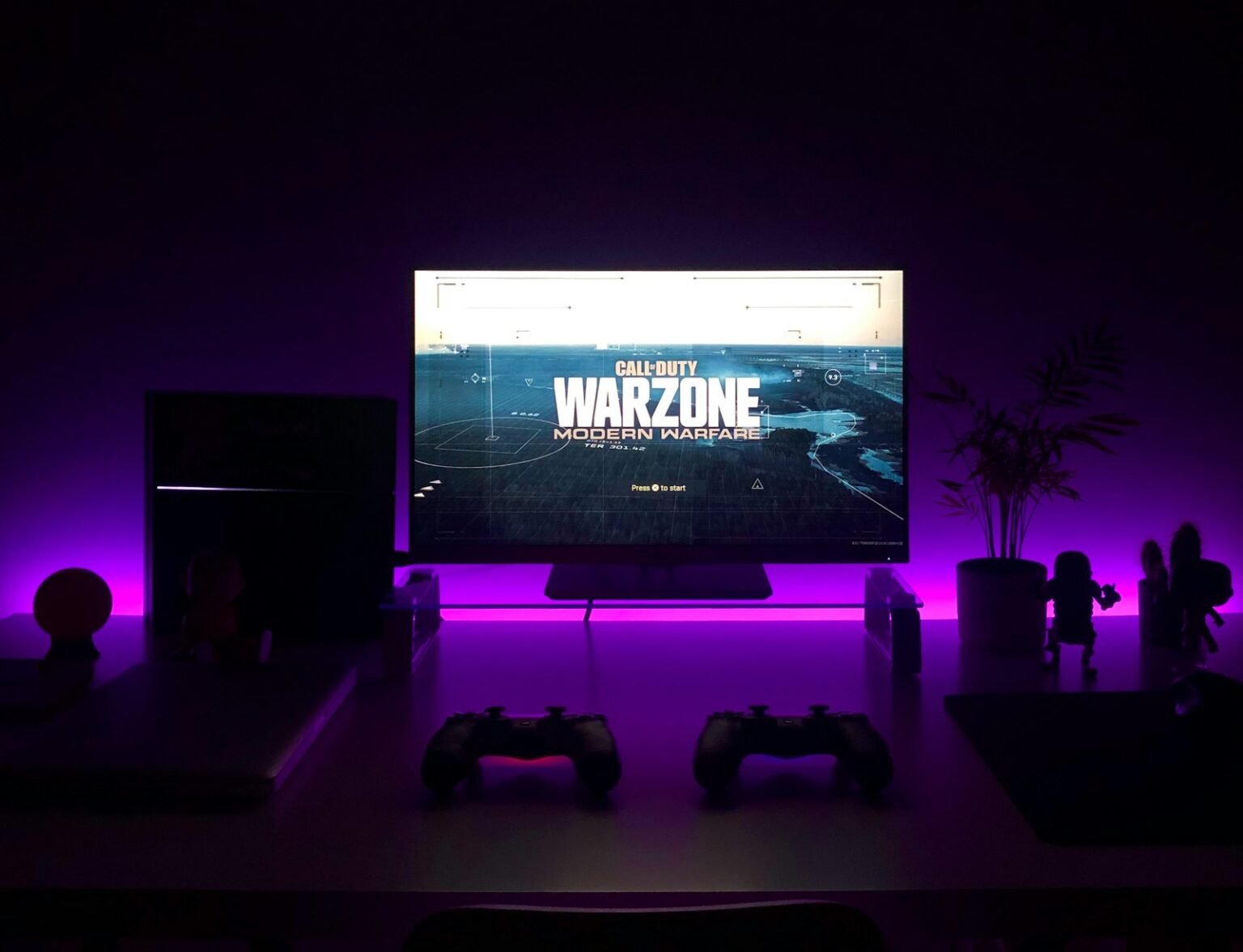
Three routes to a console streaming setup
A console streaming setup runs through one of three routes: the console's own broadcast feature, a capture card feeding a desktop PC running OBS, or the same card feeding a laptop. The built-in route costs nothing extra on PS5 and Xbox Series X|S. The Switch 2 has no documented built-in route.
On PS5, PlayStation Support’s guide to streaming with Broadcast (checked 26 September 2026) sends you to the Create button, then Broadcast, then YouTube or Twitch, then Go Live. You can change resolution and frame rate, but the options vary by service and PlayStation doesn't publish a single maximum.
On Xbox, Microsoft’s February 2022 Xbox Wire post on Twitch streaming from the console puts it in the guide under Capture & share, then Live streaming, with your Twitch account linked by QR code. Menus move with updates, so check the current path on your console.
The capture card route is different in kind, not degree. The console's picture goes into the card, on to your TV, and into software such as OBS, which is where overlays, alerts and your camera live.
Three routes, one verdict each.
| Route | Extra cost (checked 26 Sep 2026) | PS5 | Xbox Series X|S | Switch 2 | Verdict |
|---|---|---|---|---|---|
| Built-in broadcast | $0 | Yes | Yes | No | Usually, for a first stream on PS5 or Xbox |
| Capture card + desktop PC | $159.99–$249.99 for the card (Best Buy) | Yes, HDCP off | Yes | Yes | Yes, if a PC is already in the room |
| Capture card + laptop | Same card; the laptop runs OBS | Yes, HDCP off | Yes | Yes | Marginal on an older laptop |
The laptop route suits a box room where a tower won't fit, but the laptop does the encoding, so its chip matters more than the card. Twitch’s broadcasting guidelines (checked 26 September 2026) say x264 presets slower than Faster need six or more CPU cores, and that NVENC on a Turing-generation NVIDIA GPU (RTX 20 series or GTX 1660) typically matches x264 medium. The OBS settings for streaming guide covers both encoders.
Turn off HDCP before the PS5 will capture
A PS5 won't send a capturable picture until HDCP is switched off: Settings, then System, then turn off Enable HDCP. Elgato's PS5 setup guide recommends making the change with the console plugged straight into the TV, before a capture card goes into the chain.
HDCP is copy protection on the HDMI signal. With it on, a capture card shows nothing usable. Elgato’s Game Capture HD60 X setup guide for PlayStation 5 (checked 26 September 2026) puts the setting first for that reason.
Two practical points.
- Change it before rewiring. On the direct TV connection you can see the menu; with the card already in the chain and showing nothing, you're navigating blind.
- Plan the port, not just the setting. Once capture starts, the PS5's HDMI lead goes to the card rather than the TV. The PS5 desk setup guide covers desk depth and reaching the ports behind the console.
Is a 4K capture card worth it when Twitch shows 1080p?
Twitch’s broadcasting guidelines (checked 26 September 2026) recommend 1080p60 at 6,000 kbps for a standard NVENC stream. Twitch did add 2K (1440p) in June 2026, but the Twitch blog post introducing Dual Format and 2K streaming limits it to Partners and Affiliates using Enhanced Broadcasting. For a new channel, 1080p is what viewers see.
Think of a capture card as a hallway between two rooms. Your TV is one room and your stream is the other. The stream's door is 1080p wide, and however wide you build the hallway, nothing bigger gets through that door.
What a wider hallway does buy you is the other room. Passthrough is the signal that carries on to your TV, where you're actually playing, so a card with fast 4K passthrough lets you play at your TV's full rate while the stream goes out at 1080p.
Two cards cover most console setups.
- Elgato 4K S, $159.99 (Elgato 4K S listing at Best Buy, checked 26 September 2026). Capture and passthrough up to 4K60, plus 1440p120 and 1080p240, with HDR10 and VRR passthrough, a 3.5 mm audio input and driver-free support on iPadOS.
- Elgato 4K X, $249.99 (Elgato 4K X listing at Best Buy, checked 26 September 2026). HDMI 2.1 in and out, 4K144 passthrough with VRR and HDR10, and 1080p240 capture over USB 3.2 Gen 2.
The 4K X on a 4K60 TV is $90 spent on a door nobody walks through; the 4K S covers PS5, Xbox Series X|S and Switch 2 on that TV. The 4K X only pays back on a TV that runs 4K at 120 Hz, where the 4K S would make you choose between 4K60 and 1440p120.
Why the Switch 2 needs a capture card
The Nintendo Switch 2 outputs up to 4K60 or 1440p120 with HDR10 over HDMI 2.0, and there's no documented way to broadcast straight to Twitch from the console. Streaming a Switch 2 means a capture card between the dock and the TV, feeding a PC, laptop or iPad.
Those output figures come from Elgato’s October 2025 guide to capture cards for the Switch 2, which also describes the console's own recording and streaming tools as limited. Elgato sells capture cards, so read its framing with that in mind; the output specification is the useful part.
Match the card to the dock, not the other way round. The Switch 2 tops out at 4K60 or 1440p120, so the 4K S covers everything the console sends and the 4K X's 144 Hz passthrough has nothing to carry. In a Switch 2 console streaming setup, the dock goes into the card's HDMI input and the card's output goes to the TV.
With no computer, the 4K S's driver-free iPadOS support (per the Best Buy listing) lets an iPad take the feed, though you'll still need a streaming app to go live.
Mic and party chat in a console streaming setup
Audio is where the three routes split hardest. Viewers forgive a soft picture long before a voice buried under the game.
On PS5's built-in broadcast, PlayStation’s Broadcast support page describes what's shared as the game screen and game audio. If you need party chat on stream, or a better microphone than a headset, that's the signal to move to a capture card.
Xbox is more generous. The Xbox Wire announcement of console Twitch streaming (February 2022) says you can balance game and mic levels, include party chat, and set resolution and bitrate by hand.
On the capture card routes, the game arrives over HDMI and your microphone plugs into the computer, where OBS mixes the two. That's where a proper mic on an arm replaces the headset: the Samson Q2U Recording and Podcasting Pack at Sweetwater was listed at $99.99 (checked 26 September 2026), with a dynamic mic that does both USB and XLR.
For party chat on the capture route, run the chat app on the computer so OBS captures it as its own source with its own level. On the laptop or iPad route, the 4K S's 3.5 mm audio input gives a second sound source a way into the capture itself.
Mic placement and gain are covered in the streaming microphone setup guide.
Where a console streaming setup's cables run in a small UK room
A capture card setup needs three cables in a fixed order: console HDMI into the card's input, the card's HDMI output to the TV, and USB from the card to the PC or laptop. Keep the card on the desk beside the computer, so the USB lead stays short and the ports stay within reach.
The problem in a UK box room is geometry. The TV and console tend to sit on one wall and the desk on another, so HDMI runs cross the room while the USB lead stays at the desk. The box room gaming setup guide lays out where the desk goes when the room is narrow.
Four placement decisions.
- Desk and TV on the same wall where possible. Two short HDMI runs are tidier than a cable crossing a walkway.
- Console next to the desk, not under the TV. If the console lives beside the card, both of its leads stay short and the TV cable becomes the only long run.
- Camera facing away from the TV. A screen behind you shows the game twice on stream.
- Upload speed before hardware. Ofcom’s 2023 home broadband performance report put the average UK home upload at 18.4 Mbit/s (March 2023 data). Twitch's 6,000 kbps for 1080p60 fits inside that average, but a below-average line leaves little headroom.
The streaming setup cost guide covers checking your line.
What to sort out before buying anything
Three things decide a console streaming setup. The console picks the route: PS5 and Xbox Series X|S go live with no extra hardware; the Switch 2 needs a capture card. A PS5 won't capture until HDCP is off. And because Twitch recommends 1080p60 for most channels, a 4K card buys you passthrough to your TV, not a sharper stream.
The next decision is where the stream gets built. If a PC or a recent laptop is already in the room, a $159.99 4K S turns it into a studio with overlays, a proper mic and party chat. If not, start on the built-in broadcast and upgrade when you hit its limits. The streaming setup guide covers the camera, lighting and upload speed that come next.
Prices are US retail, checked 25 September 2026, and will change. SetupFind has not bench-tested these products; figures come from manufacturer specifications and named sources, as set out in how SetupFind researches its recommendations. Some links may earn a commission at no extra cost to you (affiliate disclosure).
Straight answers
Can you stream on PS5 without a PC or capture card?
Yes. PlayStation's Broadcast feature goes live on Twitch or YouTube from the Create button, with resolution options that vary by service (PlayStation Support, checked September 2026). Overlays, alerts and a PC-based microphone need a capture card and a computer.
Do I need to turn off HDCP on PS5 to use a capture card?
Yes. Elgato's PS5 setup guide says HDCP must be disabled before the console can be captured, under Settings, then System, then Enable HDCP. Change it with the PS5 connected directly to the TV, then add the card.
Does the Nintendo Switch 2 have built-in Twitch streaming?
There's no documented built-in Twitch broadcast on the Switch 2, and Elgato's October 2025 guide calls the console's own recording and streaming tools limited. A console streaming setup for the Switch 2 therefore needs a capture card between the dock and the TV.
Is a 4K capture card worth it if Twitch streams at 1080p?
Not for the stream itself: Twitch's broadcasting guidelines recommend 1080p60 at 6,000 kbps, and 2K is limited to Partners and Affiliates (Twitch, June 2026). The value of a 4K card is passthrough, so you keep playing at 4K or 120 Hz on your TV while viewers get 1080p.
How do I stream Xbox Series X to Twitch?
Open the guide, go to Capture & share, then Live streaming, and link your Twitch account with the QR code, according to Microsoft's February 2022 Xbox Wire post. From there you can set game and mic levels, include party chat and set resolution before going live.