Go live without overspending on the wrong thing
Almost every streaming guide starts with the camera. That is the wrong end. Viewers forgive a soft picture and leave over bad audio, and in Britain the thing most likely to stop you streaming at all is your upload speed.
will actually watch
before you spend
marketing claims
Find your guide
Start hereStreaming setup for beginners: start with the kit you own →Choose by budget and hardware
Choose by what to fix next
Your upload speed, not your camera
Home broadband is heavily asymmetric almost everywhere, and the UK is a well-documented worked example. Download gets the marketing; upload is what a stream actually consumes, and on older copper connections it is capped low.
27 Mbps
UK average upload speed
10–20
Mbps upload ceiling on FTTC copper lines
~6 Mbps
What a 1080p60 stream needs
Two things that matter more than the numbers. Leave headroom: streaming at your ceiling drops frames the moment someone else in the house opens anything.
And run an Ethernet cable if you possibly can. Wi-Fi upload is consistently worse than the figure your speed test reports over a wire.
Upload averages and connection ceilings from Ofcom Home Broadband Performance and Connected Nations reporting via UK comparison sources, 2026. Bitrate requirement is platform guidance rounded to a sensible figure.
Buy in this order, not the other one
Microphone, then lighting, then camera. That sequence is deliberate and it is the reverse of what most people do.
Getting started
~$240
- USB dynamic microphone
- Desk boom arm
- Single key light
- Webcam or phone you own
- Free broadcasting software
Enough to go live and sound clear. Nobody will notice the camera if the audio is good.
Taking it seriously
~$740
- XLR dynamic mic plus interface
- Two-point lighting
- 1080p webcam
- Acoustic panels behind you
The panels are the unglamorous line and the one that changes most. An echoey room is why streams sound amateur even with a good mic.
Full production
~$2,370
- Mirrorless camera and capture card
- Three-point lighting
- Broadcast mic chain
- Stream controller
Worth it once streaming earns money. Before that, it is production value for an audience that does not exist yet.
A cheap camera in good light beats an expensive camera in bad light. Winter evenings are dark enough that lighting is not optional if you stream after work, and it costs a fraction of what a camera upgrade does.
Prices are US retail, checked on 24 September 2026, and will vary by retailer and sales tax.
The connection blueprint
Three chains, connected in this order. Getting the audio right before you touch the video saves a lot of troubleshooting later.
Audio chain first
Microphone into the interface, interface into the computer. Switch phantom power on only if your mic is a condenser. Dynamics do not need it. A USB microphone skips this entire step, which is most of its appeal.
Video second
A webcam connects directly. A separate camera needs a capture card to turn its HDMI output into something the computer sees as a webcam. Mount it at eye level, not below. A low camera angle is the most common giveaway of a beginner setup.
Software last
Add your video device and audio input as separate sources so you can adjust them independently. Set the bitrate against your measured upload speed rather than accepting a default, and leave headroom.
Record a test before you go live
Stream to a local recording for five minutes and watch it back. Clipping, echo, a humming fan and a badly framed shot are all obvious on playback and invisible while you are talking.
Straight answers
The questions we get asked most, answered without the hedging.
What should I buy first for streaming?
Microphone, then lighting, then camera. That order is deliberate and it is the reverse of what most people do. Viewers forgive a soft picture and leave over bad audio.
How much does a streaming setup cost?
Around $240 gets you live and sounding clear. About $740 covers an XLR chain, two-point lighting and acoustic panels. Full production with a mirrorless camera and capture card is nearer $2,370, with the camera body alone at $1,198 before a lens. US retail, checked September 2026.
What upload speed do I need to stream?
A 1080p60 stream consumes roughly 6 Mbps of upload. UK average upload sits around 27 Mbps, but older FTTC copper lines are capped nearer 10–20 Mbps. Leave headroom: streaming at your ceiling drops frames the moment someone else in the house opens anything.
Should I stream over Wi-Fi or Ethernet?
Run an Ethernet cable if you possibly can. Wi-Fi upload is consistently worse than the figure your speed test reports over a wire, and stream stability is the thing that suffers.
Do I need a capture card?
Only if you are using a separate camera. A webcam connects directly to the computer. A capture card exists to turn a camera’s HDMI output into something the computer can read as a video source.
Is an expensive camera worth it?
A cheap camera in good light beats an expensive camera in bad light, every time. Winter evenings are dark enough that lighting is not optional if you stream after work, and it costs a fraction of what a camera upgrade does.
Go deeper on streaming setup
Everything below is checked against live retailer listings, priced in US dollars.
Streaming Setup for Beginners
Seven steps from the kit you already own to your first schedule.
Start with what you own →
OBS Settings for Streaming
Bitrate, encoder and keyframes, starting from the upload you actually have.
Set it to your upload →
Streaming Microphone Setup
Mic choice, placement, gain and the five OBS filters, in order.
Get the mic chain right →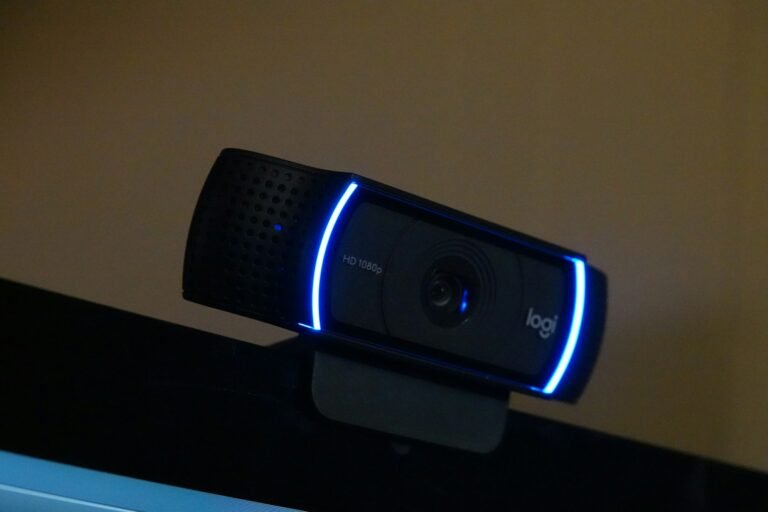
Streaming Camera Setup
Four fixes for placement, framing, exposure and light before a new webcam.
Fix it before you buy →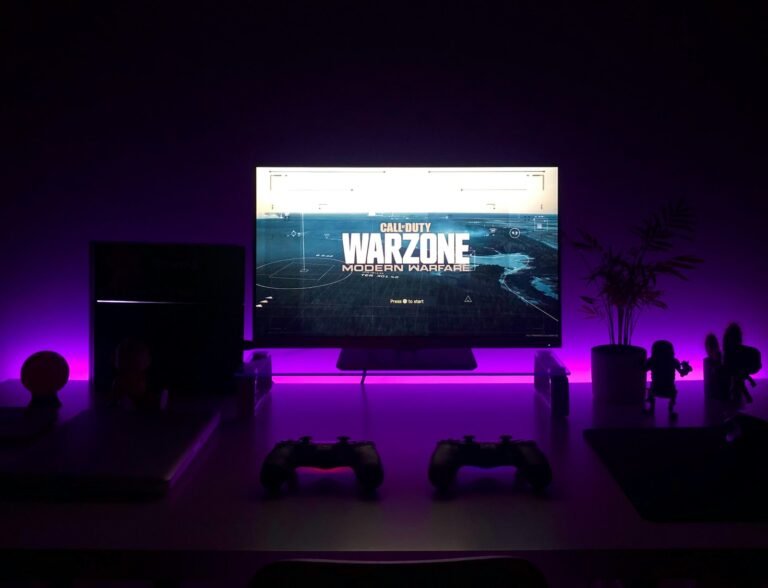
Console Streaming Setup
Three routes from PS5, Xbox and Switch 2, with or without a PC.
Go live from console →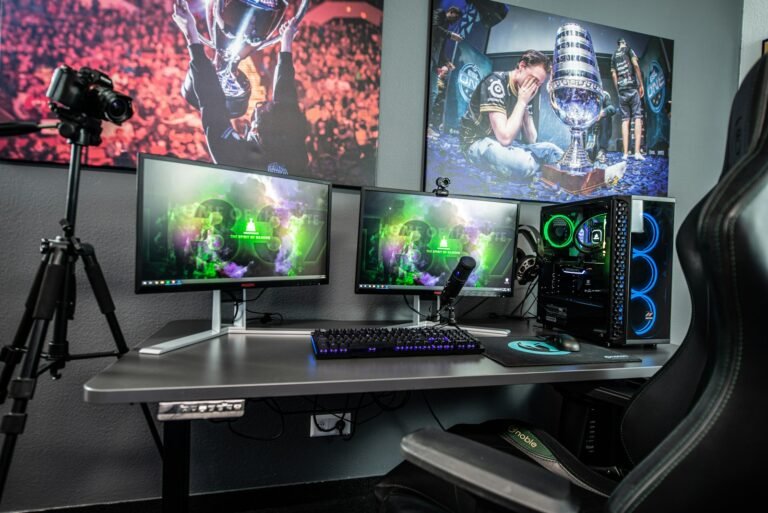
Dual PC Streaming Setup
The one test that shows whether a second PC fixes dropped frames.
Settle the two-PC question →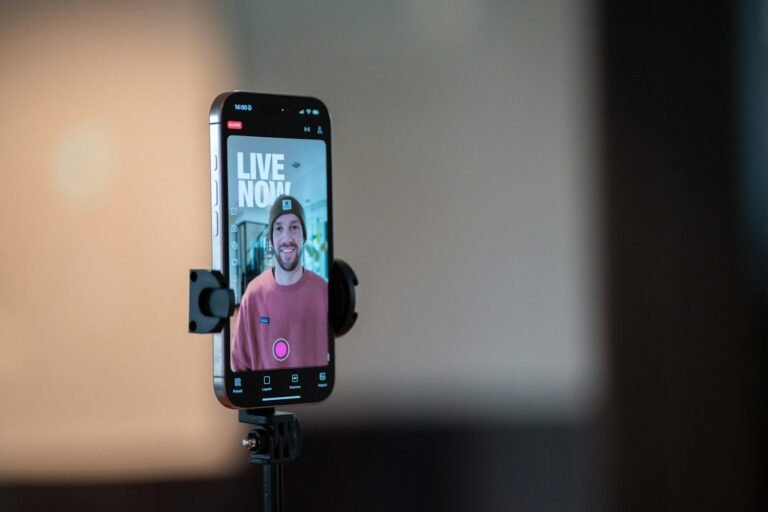
Vertical Streaming Setup
Twitch Dual Format in five OBS steps, plus YouTube and TikTok.
Go vertical →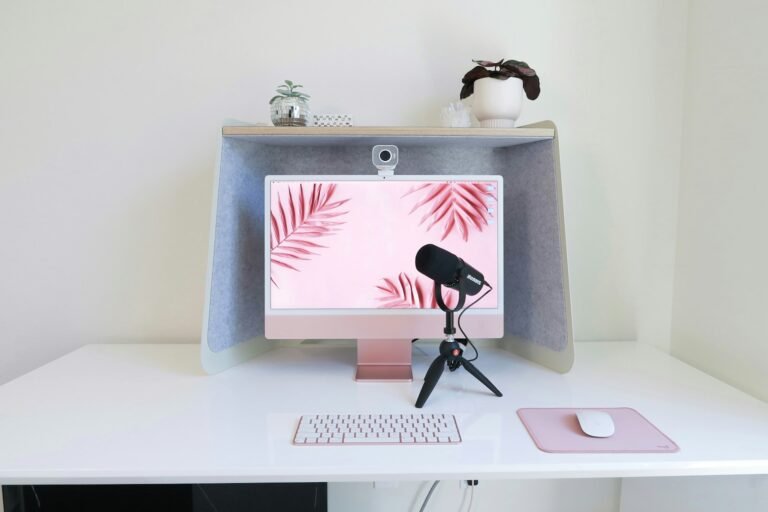
Streaming Setup Cost UK: The Full Breakdown
What a watchable stream costs, and the upload check to do before you spend.
See what it costs →
XLR vs USB Microphone: Which Should You Actually Buy?
One question decides it, and it is not sound quality.
Settle it in one question →
How to Hide Desk Cables Without Drilling
Five steps, no fixings, and which methods lift the paint.
Hide them without drilling →
Podcast Camera Setup
Webcam, phone or mirrorless, and why some cameras stop recording after 5 minutes.
Keep it recording →
Podcast Lighting Setup
One key light, the right distance and three budgets from $90.
Light it right →