Music studio setup: produce from home without guessing at the cost
Build a room you can actually release music from, not one that just looks the part in a photo. Every figure here is checked against live retailer listings, priced in US dollars, for a normal spare bedroom, so you know what changes your sound and what only changes your setup photo.
you can release from
its check month
numbers came from

Three music studio setup budgets, and what each one buys
In any music studio setup, the step from the first tier to the second is the one you’ll actually hear. The step from second to third mostly makes your life easier.
Bedroom
$300–600
- USB mic or entry interface pair
- Closed-back headphones
- Free DAW tier
- Duvet-and-corner treatment
Enough to write, demo and release. Mixing is guesswork without monitors.
Serious
$600–2,000
- XLR mic into a dedicated interface
- Near-field monitors
- First real money on the room
- Reference headphones
Where recordings stop sounding like they were made in a bedroom. Most people should stop here.
Professional
$2,000–6,600+
- Multi-input interface
- Higher-headroom monitors
- Broadband absorption and bass trapping
- Paid DAW licence
Beyond roughly $2,500, listeners on earbuds will not hear what you spent.
The single biggest factor in how a music studio setup sounds is not on this list. It is the room you are standing in, which is why the cheapest tier includes treatment and the most expensive one spends the most on it.
The monitor placement guide
This costs nothing, and it’s the first thing to change in any music studio setup. Placement is the difference between a muddy mix and one that translates.
The equilateral triangle
Your head and the two monitors should form a triangle with three equal sides. Too wide and the stereo image pulls apart; too narrow and everything collapses to the middle.
Tweeters at ear height
High frequencies are the most directional, so a few centimetres of height error costs you real detail. If the monitors sit on the desk, stands or foam pads will usually be needed to lift them.
Centre on the shorter wall
Symmetry matters more than most people expect. An off-centre desk means each ear hears a different reflection pattern, and no amount of EQ fixes that.
Pull away from the wall
Monitors pushed hard against a wall reinforce bass and make mixes come out thin elsewhere. A gap of 20–30 cm helps noticeably, and costs nothing.
Count your inputs, then pick
Interfaces get sold on specification sheets. For a music studio setup, the only question that changes your buying decision is how many sources you need to record at the same time.
| What you record | Inputs needed | Typical price (US retail) | Who it suits |
|---|---|---|---|
| 1 mic, just you | 2 in / 2 out | $160–225 | Solo vocals, songwriting, voiceover |
| 2 mics at once | 2 in / 2 out | $225–400 | Duets, interviews, guitar plus vocal |
| Full drum kit or band | 8 in or more | $770+ | Recording other people |
| Guitar or synth only | 1 instrument in | $160–225 | No microphone needed |
Why there are no frequency-response figures here. Nearly every interface in this price range measures flat across the audible band, and the published numbers are rarely comparable between manufacturers because they are quoted at different tolerances.
Choosing on input count is a decision you can actually verify. Choosing on a specification you cannot hear is how people end up spending $400 to solve a $100 problem.
Price bands are US retail, checked on 24 September 2026 at Sweetwater (Scarlett Solo 4th Gen $159.99, 2i2 $224.99, Audient iD14 MKII $399.99, Scarlett 18i20 4th Gen $769.99), and will vary by retailer and sales tax.
Straight answers
The questions we get asked most, answered without the hedging.
How much does a home studio cost?
Roughly $300–600 at the bedroom tier, $600–2,000 for a setup you can release from, and $2,000–6,600 upwards at the professional end. Beyond about $2,500, listeners on earbuds will not hear what you spent. US retail, checked September 2026.
What affects my recordings the most?
The room you are standing in, not the gear list. It is why the cheapest tier still includes treatment and the most expensive one spends the most on it. Moving furniture and adding soft surfaces changes more than upgrading a microphone does.
Where should I put my studio monitors?
Form an equilateral triangle between your head and the two monitors, get the tweeters to ear height, centre the desk on the shorter wall for symmetry, and pull the monitors 20–30 cm off the wall. All four cost nothing and together they are the first thing we would change in any room.
How many interface inputs do I need?
Count what you record at the same time. One or two microphones needs 2 in / 2 out, typically $160–400. A full drum kit or band needs 8 inputs or more, typically $770 and up. Recording a guitar or synth only needs a single instrument input.
Which tier should most people stop at?
The middle one. That is where recordings stop sounding like they were made in a bedroom. The step from the first tier to the second is the one you will actually hear; the step to the third mostly makes your life easier.
Can I mix on headphones instead of monitors?
You can write, demo and release on headphones, and at the bedroom tier that is the realistic option. Mixing without monitors is guesswork, though, because headphones and small rooms mislead you in different directions.
Go deeper on music studio setup
What a music studio setup costs, what your room is doing to it, and what to buy first.
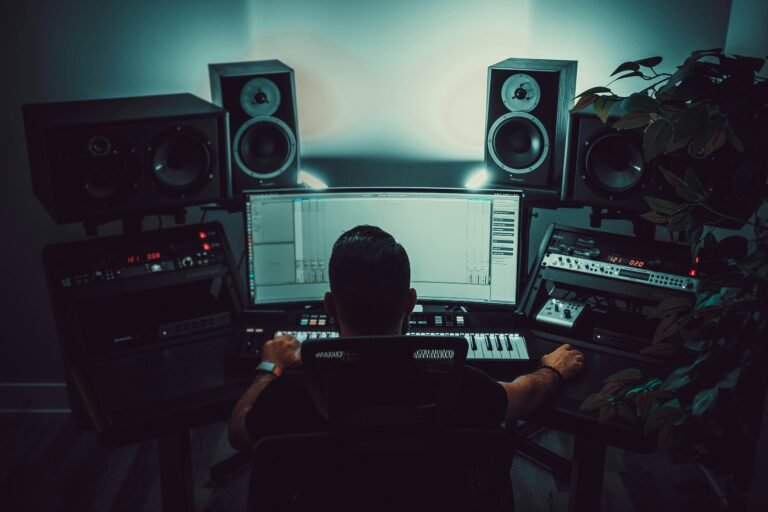
How Much Does a Home Studio Cost? (2026 Price Breakdown)
Component pricing, three itemised builds, and the costs nobody budgets for.
See the full cost →
Home Studio in a Rented Flat: What You Can Actually Do Without Drilling
Treat a room without drilling, and without risking your deposit.
Treat it without drilling →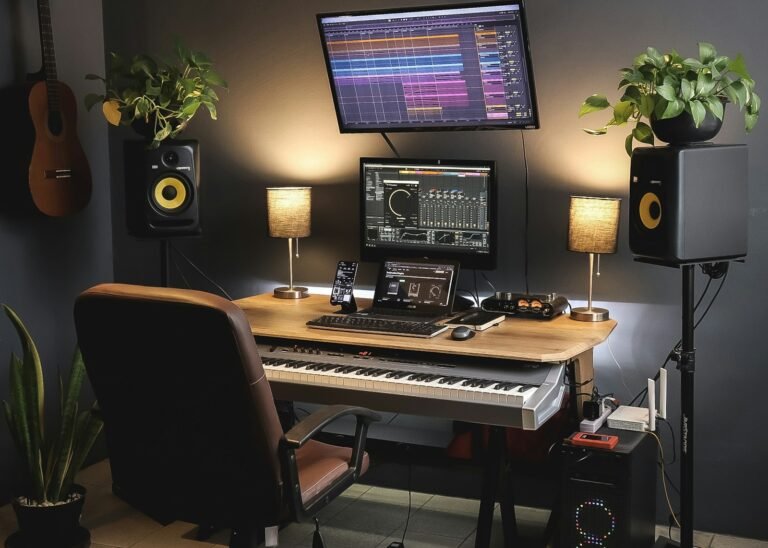
Studio Monitors vs Headphones in a Small Room
Calculated room-mode frequencies for real UK bedrooms.
Settle the debate →
Do I Need an Audio Interface If I Have a USB Mic?
No, and here is exactly why. Plus the six cases where you do need one.
Find out if you need one →