GLOBAL GUIDE · CHECKED SEPTEMBER 2026
Video Podcast Setup: Three Priced Builds, the Buy Order and the Camera Limits Gear Lists Skip
By Paul Maji · Updated 1 October 2026 · Research-led guide
The short answer: A one-person video podcast setup costs $298.98 to $2,007.97 at US retailers, checked 25 September 2026. The cheapest build is a 1080p webcam, a USB/XLR microphone and a boom arm; the middle adds a 4K webcam, a key light and a better microphone; the top swaps in a mirrorless camera and capture card. Buy the microphone and arm first, the light second and the camera last, and check any camera can record a full episode without stopping.
Every video podcast setup guide sorts gear by budget and by how many people are talking. Almost none of them check whether the camera will actually keep recording for a full episode, or how much drive space an hour of footage eats.
Those two gaps are where solo shows stall. A camera that cuts out at the 30-minute mark, or a laptop drive that fills up halfway through episode three, costs more time than any lens choice ever will. And the gear lists tend to lead with the camera, when the microphone is what carries the show.
This guide is written for one person at a desk. It prices three builds from named US retailers, checked 25 September 2026, puts them in the order you should buy them, and then covers what the gear lists skip: recording limits, storage per hour and the file YouTube actually asks for.
Prices come from retailer listings and specs from manufacturer documentation. Nothing was bench-tested; arithmetic is labelled as arithmetic.
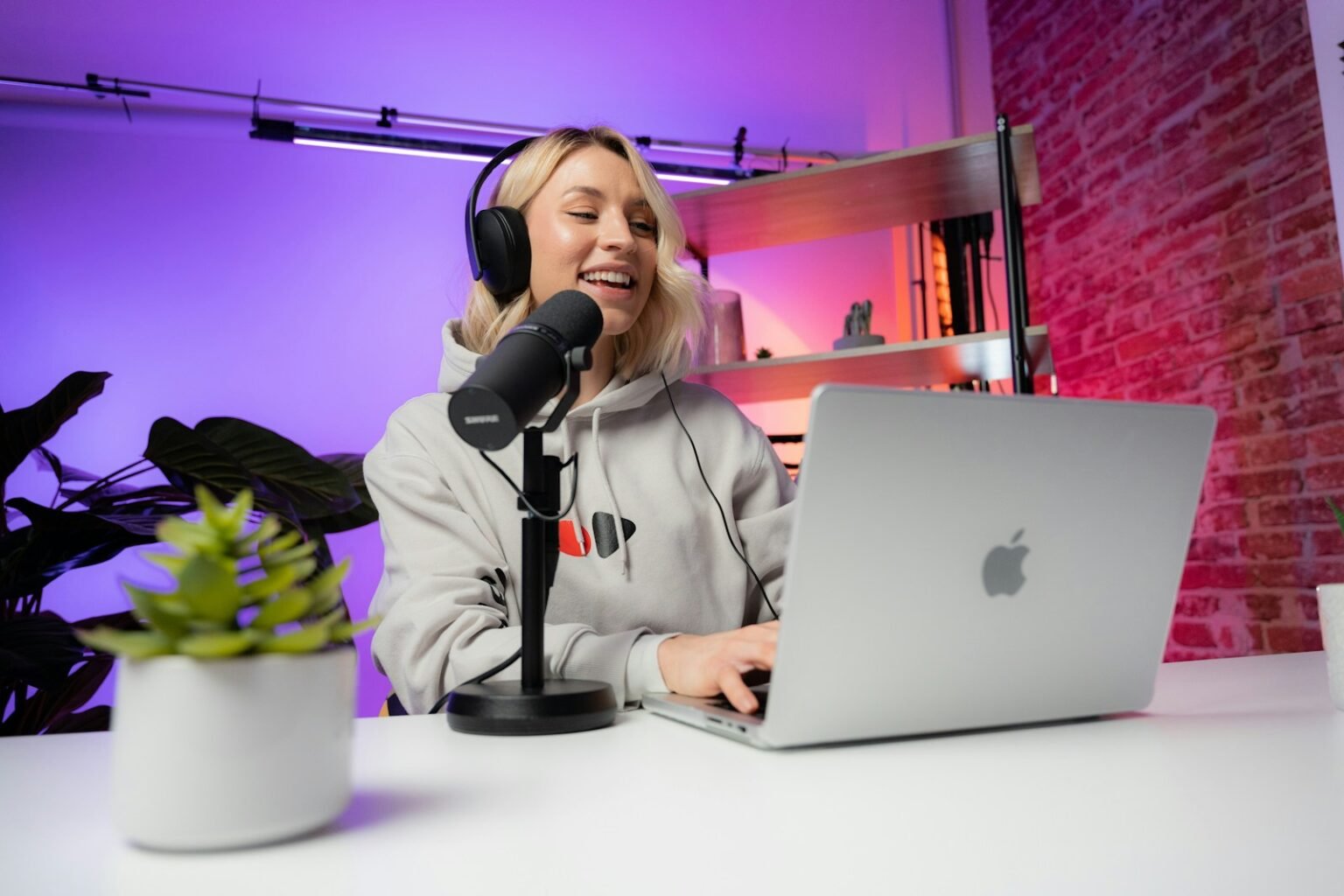
Why a video podcast setup is worth building in 2026
Video is now how a large share of the podcast audience consumes shows. Edison Research's Podcast Consumer 2026 study, released 4 June 2026, found 82% of weekly podcast consumers actively watch video, and 37% of weekly consumers use YouTube most often for podcasts, up from 31% two years earlier.
The same study, as reported in Inside Radio's write-up of the Edison 2026 findings, puts monthly podcast reach at 58% of Americans aged 12 and over, roughly 167 million people, with 57% of podcast consumers both listening and watching. Edison's Megan Lazovick said video consumption had outpaced audio in Edison Podcast Metrics for the first time.
YouTube's own numbers point the same way. The YouTube Official Blog post from February 2025 reported more than 1 billion monthly active viewers of podcast content in January 2025, and over 400 million hours a month of podcasts watched on TV screens.
One limit: Edison surveys Americans aged 12 and over, so treat it as a direction of travel for UK shows, not a UK measurement. The TV figure matters for kit too; a dim picture that passes on a phone looks far worse on a living-room screen.
Audio first, not the camera
Think about the last video call where someone's picture froze. The face stuck mid-blink, the conversation carried on, and nobody hung up.
Now think about the call where the picture was sharp but the voice kept dropping out or echoing round a bare room. That's the call where someone says “can you dial back in?” The picture is the room you're sitting in; the sound is the conversation itself.
A video podcast works the same way. Edison's finding that 57% of podcast consumers both listen and watch means that, for part of your audience and part of every episode, the show is audio only: phone in a pocket, screen off, earbuds in. The camera can't help you there. The microphone is doing the whole job.
So the budget goes in a fixed order. Four purchases, in this order:
- Microphone. A dynamic USB/XLR microphone, $99.99–$299. Both microphones in these builds run on USB now and XLR later; the trade-off between XLR and USB microphones is covered separately.
- Boom arm. $129 for a desk-mounted broadcast arm. It keeps the microphone close to your mouth and just out of frame; check your desk depth and monitor arm clearance before ordering.
- Key light. $179.99. Light does more for a webcam picture than a camera upgrade; the podcast lighting setup guide covers placement.
- Camera. Last, and only once the first three are sorted.
That order is deliberate and it's the reverse of what most beginners do. A $1,300 camera with a laptop's built-in microphone gives you a sharp picture of someone who sounds like they're in a stairwell; a $99.99 dynamic microphone on an arm, with a $69.99 webcam, sounds like a show.
Three video podcast setup builds, priced
A one-person video podcast setup costs $298.98 for a 1080p webcam build, $777.98 for a 4K webcam build with a key light, and $2,007.97 for a mirrorless camera build, using US retailer prices checked 25 September 2026. The mirrorless total excludes a dummy battery (around $50) and a tripod.
| Build | What the money buys | Total (checked 25 Sep 2026) | Right first build for a solo desk show? |
|---|---|---|---|
| 1. Webcam | 1080p webcam, USB/XLR dynamic mic pack, boom arm | $298.98 | Yes |
| 2. 4K webcam | 4K webcam, key light, hybrid USB/XLR mic, boom arm | $777.98 | Usually |
| 3. Mirrorless | Mirrorless kit, capture card, key light, hybrid mic, boom arm | $2,007.97 (plus dummy battery and tripod) | Marginal |
Build 1: webcam, $298.98
- Logitech C920s Pro HD webcam, $69.99 at logitech.com
- Samson Q2U Recording and Podcasting Pack, $99.99 at Sweetwater
- Rode PSA1+ boom arm, $129.00 at Sweetwater
Already own a recent phone? Use it as the camera and buy only the Q2U pack and arm, $228.99. The audio won't need replacing when you upgrade the picture.
Build 2: 4K webcam, $777.98
- Logitech Brio 4K webcam, $169.99 at B&H (the MX Brio was $199.99 at Best Buy)
- Elgato Key Light, $179.99 at elgato.com
- Shure MV7+ podcast microphone, $299.00 at Sweetwater
- Rode PSA1+ boom arm, $129.00 at Sweetwater
Build 3: mirrorless, $2,007.97
- Sony ZV-E10 II with 16–50mm lens, $1,299.99 at Best Buy at the time of checking (above its launch price)
- Elgato Cam Link 4K capture card, $99.99 at elgato.com
- Elgato Key Light, Shure MV7+ and Rode PSA1+, as in Build 2
In Build 3 the camera costs more than everything else combined. That's why it's Marginal as a first build: the picture jump is real, but so are the limits below.
Recording limits and storage per hour
A camera's continuous recording limit, not its resolution, decides whether it can film a full episode. Sony's ZV-E10 II Help Guide lists about 120 minutes of continuous HD recording but only about 5 minutes of 4K at 25°C on the Standard auto power-off temperature setting, rising to about 30 minutes of 4K on High.
Webcams avoid this, because the computer does the recording. Cameras don't, and spec sheets rarely lead with it. Three checks before any camera goes on the desk:
- Continuous recording time. Look for the manufacturer's recordable-time table, not the headline resolution. For the ZV-E10 II, record in HD and the roughly 120-minute figure covers a 90-minute episode with margin.
- Clean HDMI output. The Elgato Cam Link 4K ($99.99) only works with a camera that sends a clean HDMI feed, with no menus or overlays on screen. Recording through it moves the file to your computer and sidesteps the card entirely.
- Power. Sony's NP-FZ100 battery is rated for up to 195 minutes of continuous recording (Sony's Best Buy listing). A dummy battery, around $50, removes the question for long sessions.
The podcast camera setup guide goes deeper on framing, lenses and camera settings; this section is only about whether the recording survives the episode.
Storage is the second limit. Camera originals are often larger than the file YouTube asks for, so budget drive space from the camera's own bitrate, not YouTube's upload figure.
What YouTube wants from your video podcast setup
YouTube's recommended upload encoding settings for standard 1080p are 8 Mbps at 24–30fps and 12 Mbps at 48–60fps, in an MP4 file using H.264, with AAC-LC audio at 48kHz and 384 kbps stereo. For 4K at 24–30fps, YouTube recommends 35–45 Mbps.
| Format | YouTube recommended bitrate | Size per hour (arithmetic) | Worth it for a solo talking-head show? |
|---|---|---|---|
| 1080p, 24–30fps | 8 Mbps | about 3.6 GB | Yes |
| 1080p, 48–60fps | 12 Mbps | about 5.4 GB | Marginal |
| 4K, 24–30fps | 35–45 Mbps | about 15.8–20.3 GB | Marginal |
| 4K, 48–60fps | 53–68 Mbps | about 23.9–30.6 GB | No |
The size column is arithmetic, not a YouTube figure: bitrate in megabits per second, times 3,600 seconds, divided by 8,000 to get gigabytes. A 4K hour is roughly four to six times the size of a 1080p hour.
YouTube also asks you to upload in the same frame rate you recorded in. Pick 30fps at the start and keep it; converting 60fps footage down, or 30fps up, adds a step and gains nothing.
Then there's the upload itself. At 10 Mbps upload, a 3.6 GB file takes about 48 minutes (arithmetic again); a 20 GB 4K file takes over four hours. UK lines are heavily asymmetric, and the streaming setup cost guide on UK upload speeds explains how to check yours.
What to leave in the basket
Gear lists make every add-on look essential. Most of it isn't, not for one person at a desk in the first dozen episodes.
Four things to leave in the basket:
- A second camera angle. A solo show has one person to film. A second angle doubles the editing and the storage for a cut most viewers won't notice.
- A 4K-only workflow. Four to six times the file size, a slower upload and, on the ZV-E10 II, a shorter recording limit. Record 1080p until the audience asks for more.
- An audio interface on day one. Both microphones here work over USB. The interface earns its place when a second guest sits down, not before.
- Background and RGB lighting before a key light. Colour behind you doesn't fix a dark face. One key light does.
The upgrade that shows on screen first is not a better camera but a better light. A $69.99 webcam under a $179.99 key light usually beats a $169.99 4K webcam in a dim room, because small webcam sensors get noisy in low light.
Remember, every dollar not spent on extras is a dollar that can go on the microphone.
Build it in the order you'll hear it
Three things to take away. The microphone and boom arm go first, because they carry the episode even when nobody's watching. A key light beats a camera upgrade at every budget below $2,000. And no camera belongs on the desk until you've checked it can record a full episode, in the resolution you'll use, without stopping.
The next decision sets the budget for your whole video podcast setup: webcam or camera. If you can't yet say how long your episodes run or how often you'll publish, start with Build 1 and record ten episodes before spending more. The rest of the kit, from rooms to remote guests, is mapped in the podcast setup guide.
Prices are US retail, checked 25 September 2026, and will change. SetupFind has not bench-tested these products; figures come from manufacturer specifications and named sources, as set out in how SetupFind researches its recommendations. Some links may earn a commission at no extra cost to you (affiliate disclosure).
Straight answers
What equipment do I need to start a video podcast?
A one-person video podcast needs four things: a microphone, a boom arm or stand, a camera or webcam, and a light. A starter build with a Logitech C920s webcam, Samson Q2U microphone pack and Rode PSA1+ arm cost $298.98 at US retailers on 25 September 2026. A $179.99 key light is the next purchase.
How much does a video podcast setup cost?
A solo video podcast setup costs $298.98 to $2,007.97 at US retailer prices checked 25 September 2026. The low end is a 1080p webcam build, the middle a 4K webcam build with a key light at $777.98, and the top a Sony ZV-E10 II mirrorless build, excluding a dummy battery and tripod.
Can I start a video podcast with just a phone or webcam?
Yes. A phone you already own, paired with a Samson Q2U microphone pack and Rode PSA1+ boom arm ($228.99 in total, checked 25 September 2026), is enough to start. A webcam also avoids camera recording limits, because the computer does the recording.
Is audio or video quality more important for a podcast?
Audio matters more. Edison Research's Podcast Consumer 2026 study found 57% of podcast consumers both listen and watch, so for part of the audience the show is often audio only. A clear voice on a basic webcam picture works; a sharp picture with poor sound does not.
What camera should I use for a one-person video podcast?
Start with a webcam such as the Logitech C920s ($69.99, checked 25 September 2026), then move to a mirrorless camera only if it can record a full episode without stopping. Sony's Help Guide lists about 120 minutes of continuous HD recording for the ZV-E10 II at 25°C, but about 5 minutes of 4K on the Standard temperature setting. It also needs clean HDMI output for a capture card.